Virtual keys and budgets
Virtual keys and budgets
TL;DR — a 30-second summarytldr
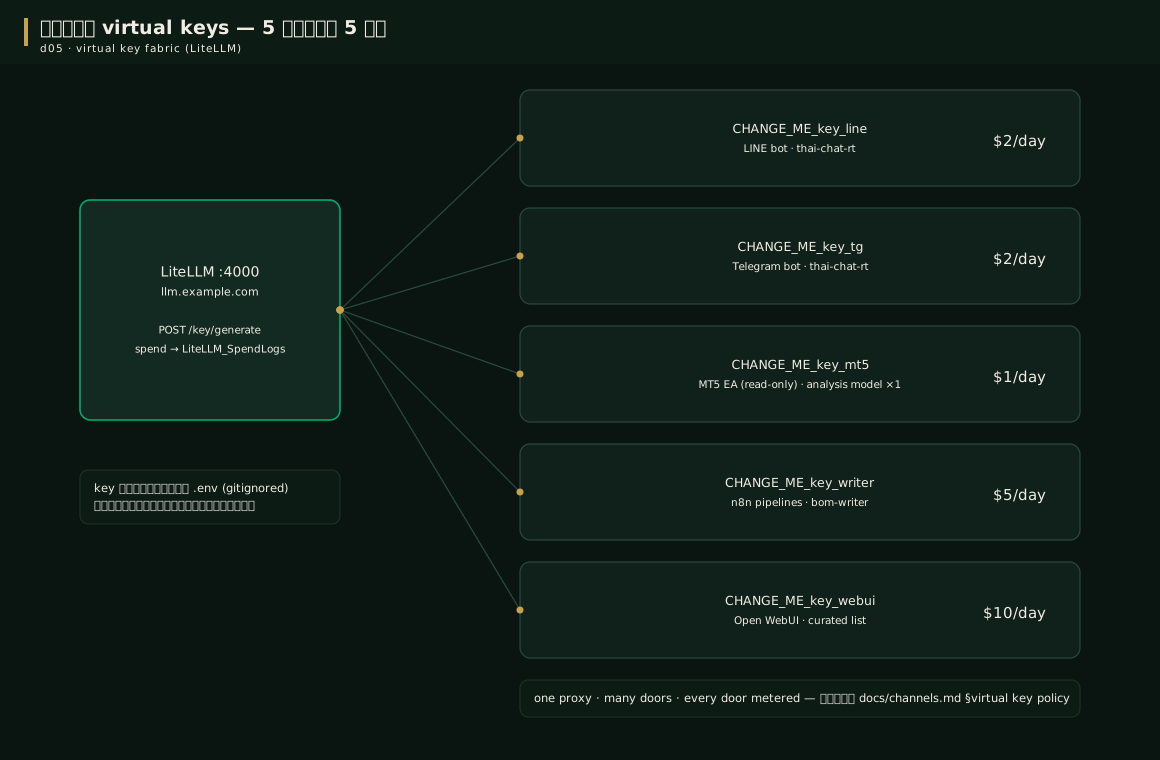
A virtual key is a secondary key issued per channel — each one has 3 properties: it allows only the models you specify, it has its own daily budget ceiling, and it can be revoked or rotated without touching the master key — this is why the 5-channel system lives together in an orderly way: one gate, many doors, every door metered
When to usewhen to use
Issue keys as soon as the stack is up (chapters 6-7), and issue new ones every time you add a channel — chapters 13-14 will use these keys
| Key | Who uses it | Allowed models | Ceiling/day |
|---|---|---|---|
BOM_KEY_LINE | LINE bot | thai-chat-rt | $2 |
BOM_KEY_TELEGRAM | Telegram bot | thai-chat-rt | $2 |
BOM_KEY_MT5 | MT5 EA (read-only) | single analysis model | $1 |
BOM_KEY_WRITER | n8n article pipeline | bom-writer | $5 |
BOM_KEY_WEBUI | Web chat | curated list | $10 |
How-tohow to
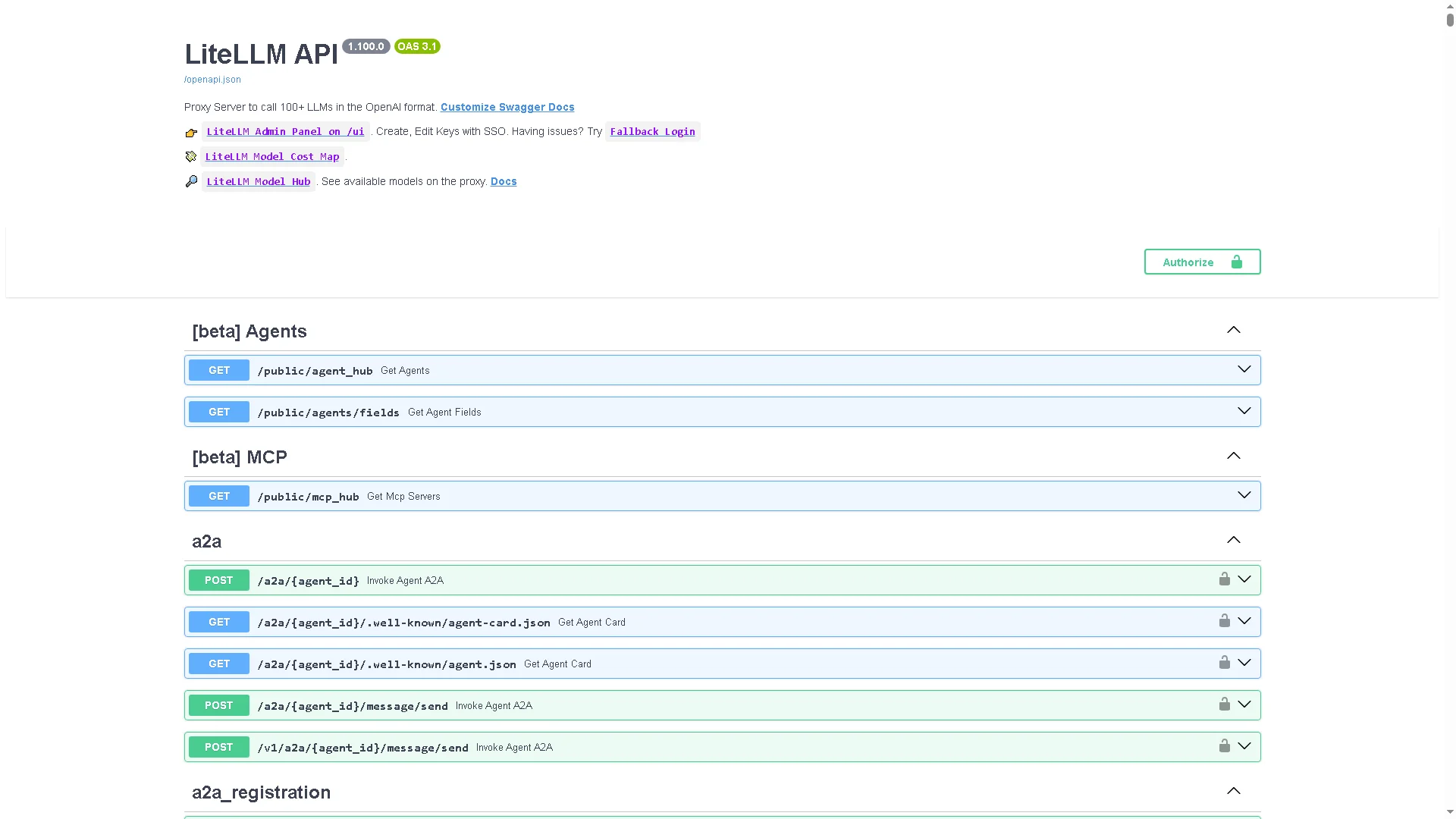
Issue keys straight through the LiteLLM API (one command per key):
curl -X POST http://127.0.0.1:4000/key/generate \
  -H "Authorization: Bearer $LITELLM_MASTER_KEY" \
  -H "Content-Type: application/json" \
  -d '{"key_alias": "line-bot",
       "max_budget": 2.0,
       "budget_duration": "1d",
       "models": ["thai-chat-rt"]}'

# The response carries a "key" field = the real key -> paste it into .env and the n8n credential store
# (in reports/logs say only "key loaded, length N")
Principle: keys live only in .env (VPS) or the n8n credential store — never embedded in workflow JSON or code
Check the cumulative spend every day (this is the "receipt" source of numbers for the whole book):
-- SQL on the LiteLLM Postgres (run via docker exec)
SELECT date_trunc('day', "startTime") AS day,
       count(*) AS calls,
       round(sum(spend)::numeric, 4) AS usd
FROM "LiteLLM_SpendLogs"
GROUP BY 1 ORDER BY 1 DESC LIMIT 30;
Real results from the first week of September 2026: 1,370 calls/$1.10, 1,470/$0.66, 3,448/$2.76 (the peak), 494/$0.31
If anything gets stuck → chapter 16
Config exampleconfig example
Using a key on the caller side is easy — every channel calls the same place, differing only in the key and the model name:
# every channel points at: https://llm.your-domain/v1  (OpenAI-compatible 100%)
curl https://llm.example.com/v1/chat/completions \
  -H "Authorization: Bearer $BOM_KEY_LINE" \
  -d '{"model": "thai-chat-rt",
       "messages": [{"role":"user","content":"How is gold doing this noon?"}]}'
Use the wrong key or exceed the budget and the proxy answers 401/403 immediately — there is no way to drift into someone else's money
Pro tip — field-tested trickspro tip
FAQfaq
Q: If a key really leaks, how much is the damage? — Capped at that key's ceiling ($1–10/day) plus the time until we spot it in the spend log — the models the key allows are restricted too, so it cannot be used to call anything pricier
Q: Where is the dashboard? — At LiteLLM's /ui (behind Cloudflare Access); it has both the key list and the daily spend graph
For other questions see the FAQ
See alsosee also
- Chapter 13 · LINE/Telegram bot — uses the first two keys
- Chapter 14 · MT5 + pipeline — uses the last two
- Chapter 15 · Security — key hygiene across the whole system
Figuresfigures
Videovideo
Real screen recording of this lesson · click play to hear the summary · not investment advice
▶ Watch the manual video: https://youtu.be/O4hM39cgDCY