This chapter is the older combined edition of settings and help; the latest steps live in Chapter 10 · Settings — start from that chapter first, then come back to this chapter as a per-item reference
Settings and Help
The settings page is the hub for adapting the app to the user's own needs, covering language, theme, notifications and account management, plus support channels and frequently asked questions
Real app screen recording 1:1 · press play to hear the summary · not investment advice
What is on this screen
- Language — choose from 28 languages
- Color theme — choose Dark Gold or Dark Blue
- Gold price alerts, plus signal and news notifications
- Notification history
- Update the app, rate the app and share the app
- User account and entering an Invite Code
- AI Chat (see Chapter 16)
How to use it
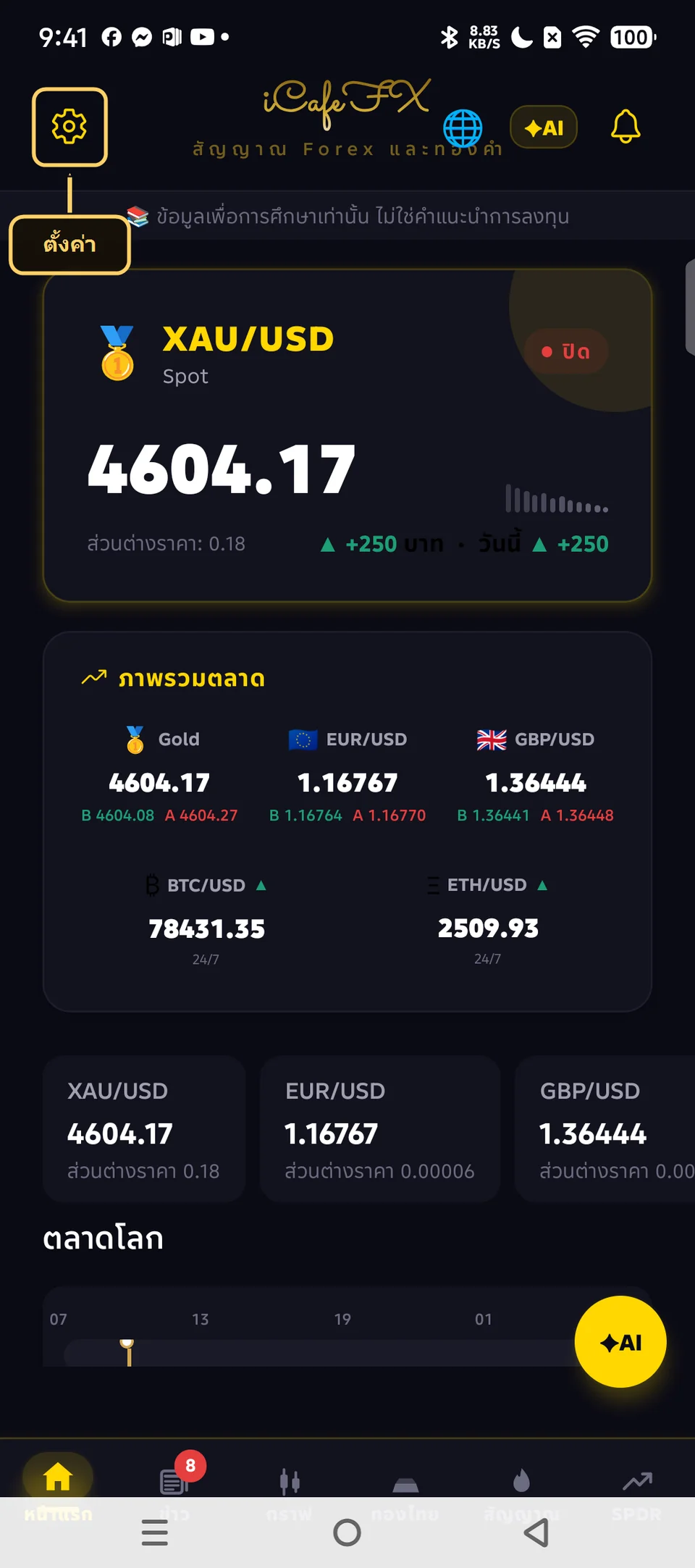
Open the settings tab to adjust the app
Pick the language you want from the 28 available
Choose the Dark Gold or Dark Blue color theme to your taste
Turn on gold price alerts and set a target price
Review past alerts in the notification history menu
Tap update app when a new version is available, or rate the app and share the app
To upgrade your tier, enter an invite code (Free, 50 uses/day) or verify an MT account with XM (Silver/Gold)
Setting up gold price alerts
- Choose gold bars or gold jewelry, and the direction — rising-to or falling-to
- Set the target price, then tap set alert
- You can set up to 5 alerts
- When price reaches the target you get a notification
Contacting the team and usage tiers
- Contact the team through the Contact Us menu
- Main channel LINE @icafefx — the fastest way to reach us · backup channels: the form at icafeforex.com/contact-us/ and Telegram t.me/icafefx
- Automatic 30-day trial of every feature · upgrade to Free with an invite code · Silver/Gold by verifying an MT account with XM
Frequently asked questions — 6 items
The system creates signals only when a clear market setup appears; if the market is quiet there may be no new signals — wait and check back
After the 30 days the system moves you to the Demo tier at 10 uses/day; upgrade to Free at 50 uses/day with an invite code, or to Silver/Gold by verifying an MT account with XM — contact the team at LINE @icafefx or the form at icafeforex.com/contact-us/
Open the settings page, tap Language, then pick the language you want
Open the settings page, tap Color theme, then choose Dark Gold or Dark Blue
It wipes the app's temporary data, which helps fix a slow app or a wrong display
Tap the ✦ button on the header or the ✦AI FAB on the home page, pick a symbol, then type your question; usage follows each tier's quota — see Chapter 16 for details
When a new version is available a notice pops up — tap update right there, or open the settings page and tap check status
Numbers you need to know
- 28 languages supported
- 2 color themes: Dark Gold and Dark Blue
- Up to 5 gold price alerts can be set
- The settings page holds language, theme, notifications and account
- Reach the team and request an invite code at LINE @icafefx or Telegram t.me/icafefx
- There are 6 frequently asked questions covering common problems