PART 4 · Putting it together
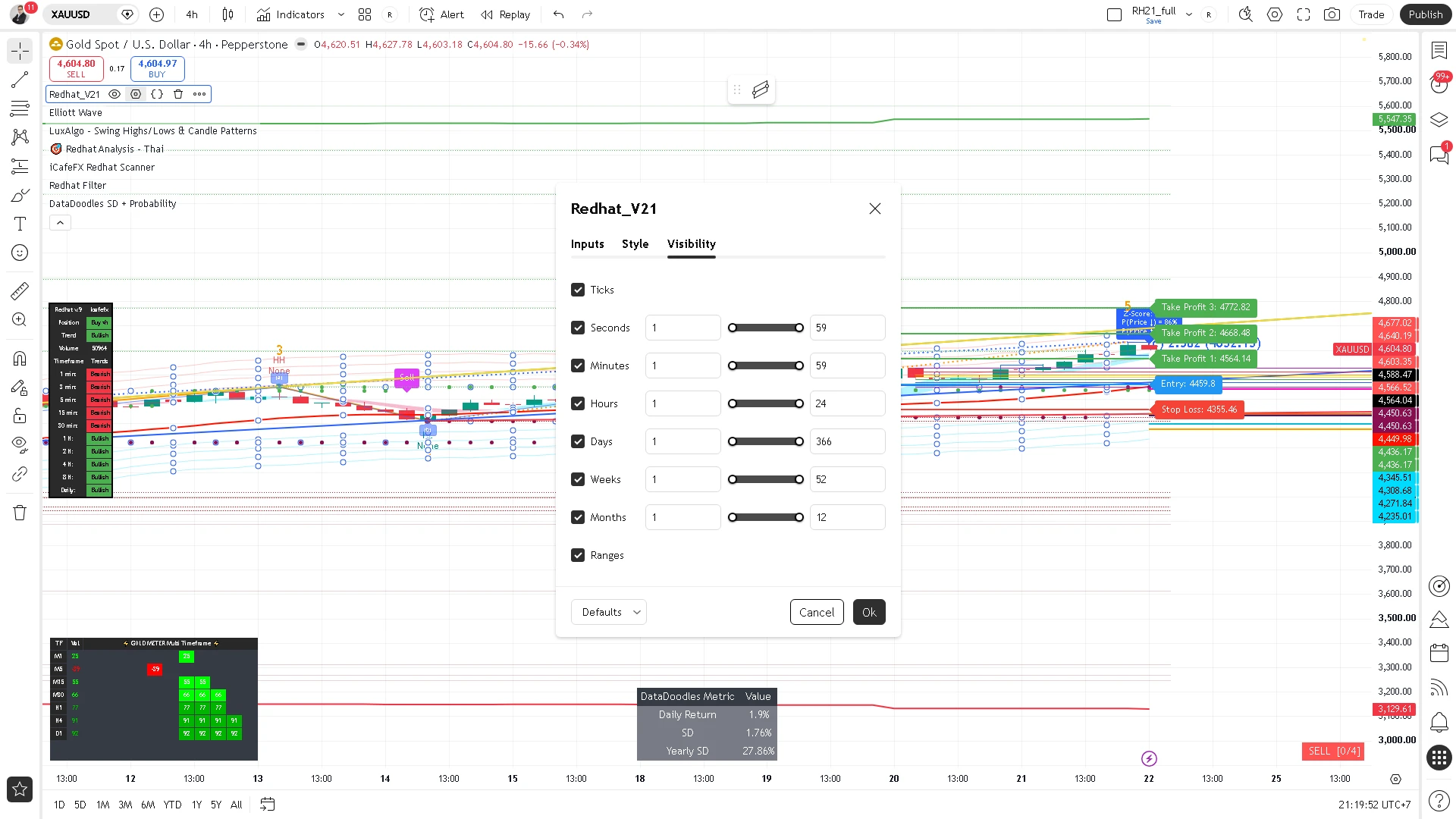
Input-by-input settings
Settings = each input as an on/off switch + a default value — beginners can run the defaults + switch signals on and be ready; no need to memorize every input
Chapter summary video
Real chart screen recording · not investment advice
Listen to the TL;DR summary of this chapter
TL;DR
Settings = each input as an on/off switch + a default value — beginners just switch on the recommended values at the end of this chapter; you do not need to memorize every input
1 · Settings overview
Redhat has many inputs, but only a few groups matter in practice — they are:
- Tools — Fibonacci, Elliott
- Signals/gates — Range Filter, Gold Meter, Reversal, Multi-TF
- Display — Dashboard, Killzone, Ribbon, Liquidity, green triangles
- Analysis — DataAnalysis
Every input ships with a factory default — beginners can simply run the defaults
Settings = the on/off switch of each tool, each with a factory default
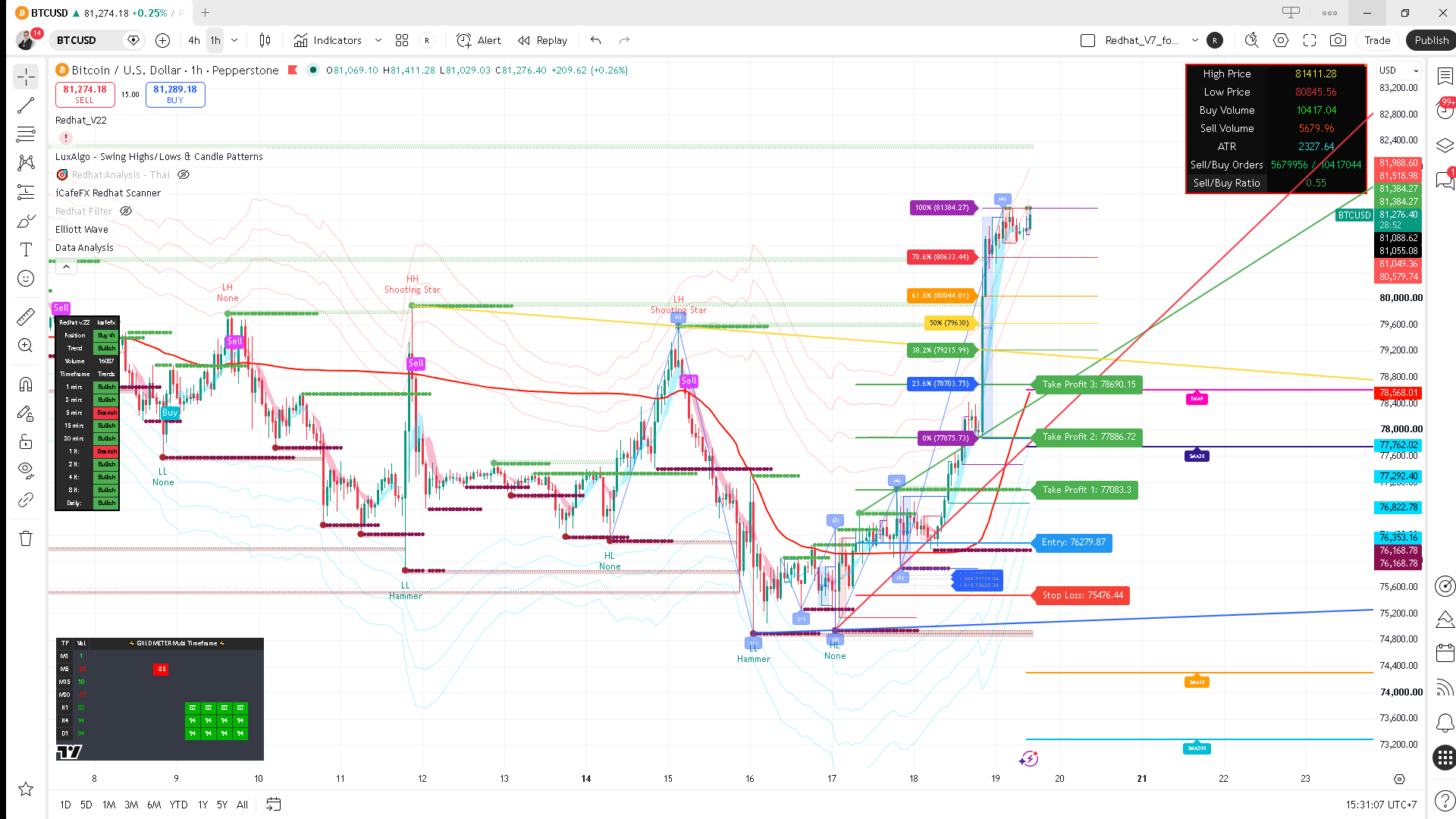
2 · Fibonacci
Show Fibonacci: default on — draws the 7-level Fib lines on the chart (0/23.6/38.2/50/61.8/78.6/100)
Enabled Fibonacci Trading (green triangles): default off — shows a green triangle when price touches a Fib level (C8: a touch ≠ an entry, do not confuse them)
A green triangle = price merely touched a Fib line, it is not an entry point — that is why it is off by default
3 · Elliott
Show Elliott Wave: default on — draws the Elliott waves (1)-(5)+(a)(b)(c) on the chart
Remember: Elliott wave counting is an interpretation — the system may redraw it
Keep Elliott on to watch the waves, but never rely on it alone — use it as part of a confluence
4 · Signals/gates
A big signal = Range Filter flip + passing the gates — there are 3 gates, but only 2 are on by default:
- Range Filter — the signal backbone, always on (a flip = big signal)
- Gold Meter (gate) — default on
- Reversal Band (gate) — default on
- Multi-TF (gate) — default off
So the default setup = 2 gates, not 3
Multi-TF is off by default = only 2 real gates, not 3 — the option exists, but the defaults do not use it
5 · Display
The on-chart display group — defaults:
- Dashboard — on — the SMC confluence table with percentages
- Killzone — on — highlights the London/NY sessions
- Trend Ribbon — on — the trend band
- Liquidity + Swing — on — labeled boxes + swing high/low points
- Green triangles — off — (see Fibonacci above)
6 · DataAnalysis
Redhat_DATA_Analysis: default off — a separate analysis table that does not feed the signals
Recommendation: keep it off — turning it on clutters the chart and confuses; beginners do not need it
DataAnalysis does not feed the signals and clutters the screen when on — recommended off
8 · Recommended settings for beginners
Beginners only need this:
- On — Fibonacci, Elliott, Gold Meter, Reversal, Dashboard, Killzone, Ribbon, Liquidity/Swing, signals
- Off — Multi-TF, green triangles, DataAnalysis, Volume
Summary: run the defaults + switch signals on = ready to use
Defaults + the signals switch on = ready — nothing else needs touching
"Unsure = off; the defaults are the safer choice"
This chapter in one line
Settings = each input on/off + default values; 2 gates by default, Multi-TF off; beginners run the defaults + switch signals on = ready