PART 2 · Tools
Using Redhat to view the Ribbon + Reversal + Range Filter
The Range Filter is the heart of the big signals — when it flips, the direction changes; the Trend Ribbon shows direction in color, the Reversal Band acts as a gate, and the three are used together as the signal backbone
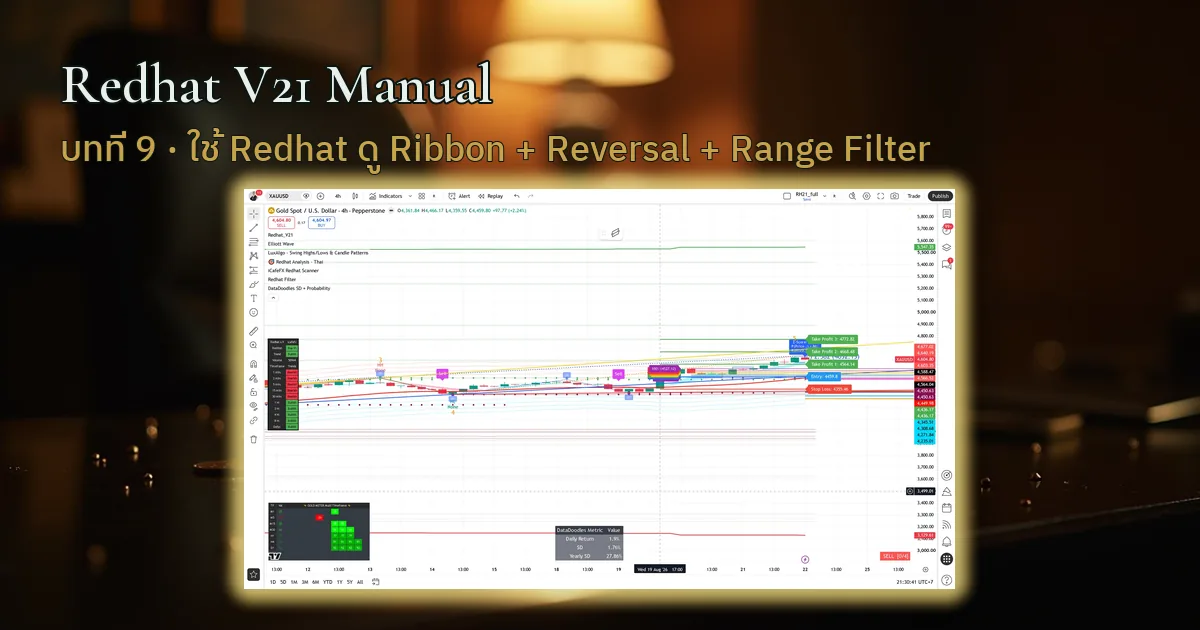
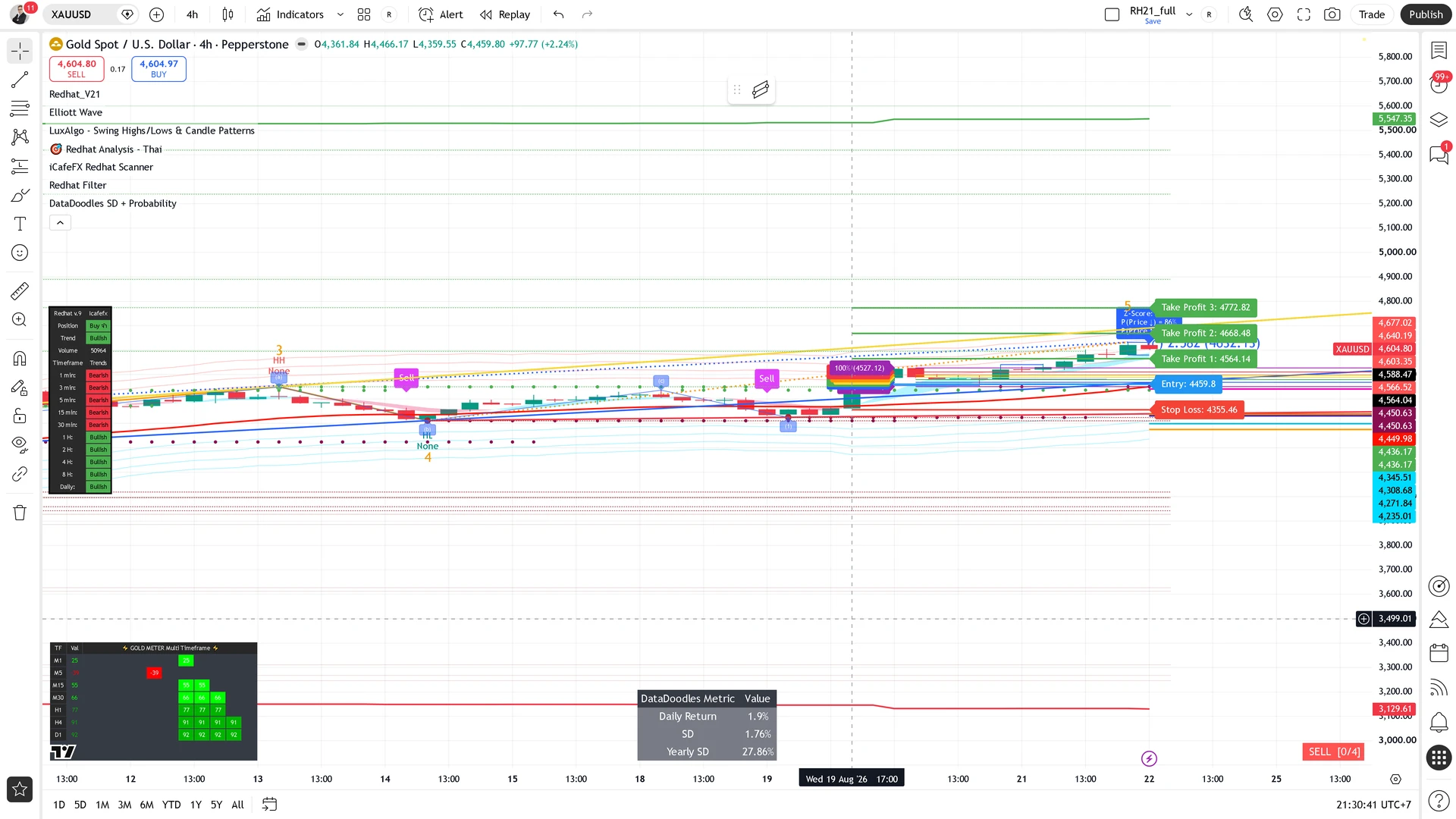
Chapter summary video
Real chart screen recording · not investment advice
Listen to the TL;DR summary of this chapter
TL;DR
The Range Filter is the backbone of the big signals — when it flips, the direction changes (C1/C7); the Trend Ribbon tells the direction, the Reversal Band acts as a gate, and the three are used together
1 · What the Range Filter is
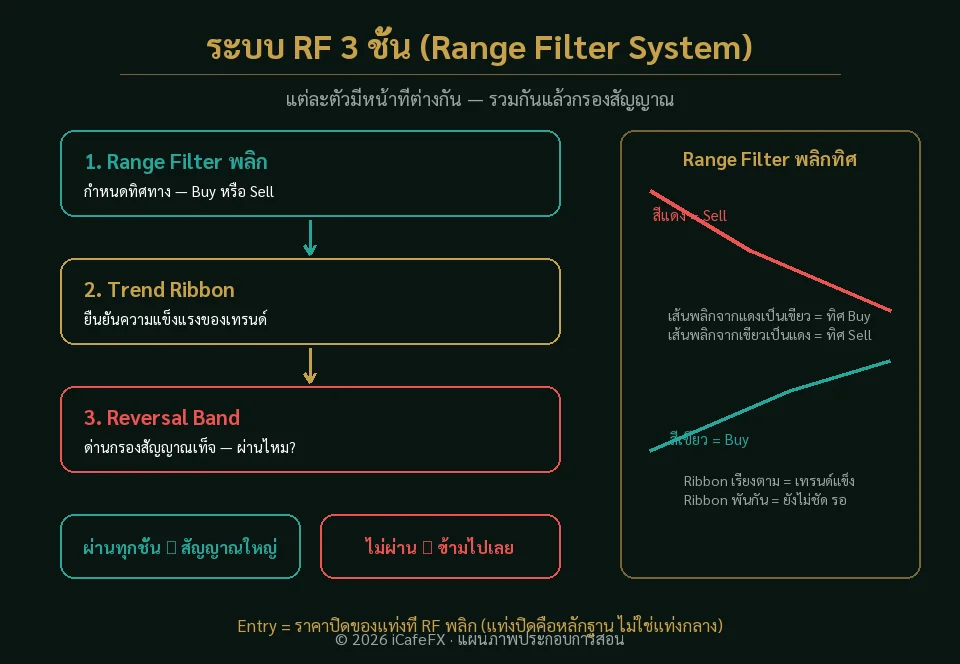
The Range Filter is the band that shows the main direction — when it flips from green to red or red to green, the main direction has changed; this is the birthplace of the big signals
The Entry of a big signal is simply the close price of the candle where the Range Filter flips
Range Filter = the main-direction band; a flip = a change of direction, and the birthplace of the big signals
2 · What the Trend Ribbon is
The Trend Ribbon is a colored band that shows the trend direction — green = uptrend, red = downtrend, easy to read on the Redhat chart
3 · What the Reversal Band is
The Reversal Band is one gate of the big signals — normally on, it serves as a signal filter that screens false signals away from real ones
4 · The three used together
The three have different jobs: the Range Filter sets the direction / the Ribbon shows trend strength / the Reversal acts as the gate
- Range Filter — sets the direction (a flip = a change)
- Trend Ribbon — shows whether the trend is strong
- Reversal Band — acts as the signal-filtering gate
"A Range Filter flip = a change of direction — this is the heart of the big signals, do not overlook it"
This chapter in one line
Range Filter flip = a change of direction, Ribbon reads direction, Reversal is the gate — together they form the backbone of the big signals (C1/C7)