— Chapter 02 · Install
02
Install
Install and Activate
Get the Redhat MCP AI file from LINE @icafefx · Install in MT5 · Drag and drop on chart · System automatically verifies your account

Tutorial Video for This Chapter
Chapter 02 tutorial video · 1 min 58 sec long
Installation Steps
- Request the file at LINE @icafefx · Receive the .ex5 file (program file)
- Open MT5 → File → Open Data Folder
- Place the .ex5 file in the
MQL5 › Expertsfolder (EA installation folder) · Then restart MT5 - Open gold chart (XAUUSD) → Drag Redhat MCP AI from Navigator onto the chart
- Select Allow DLL imports (allow program to run) → Click OK · Panel will appear and begin account verification
Account Verification
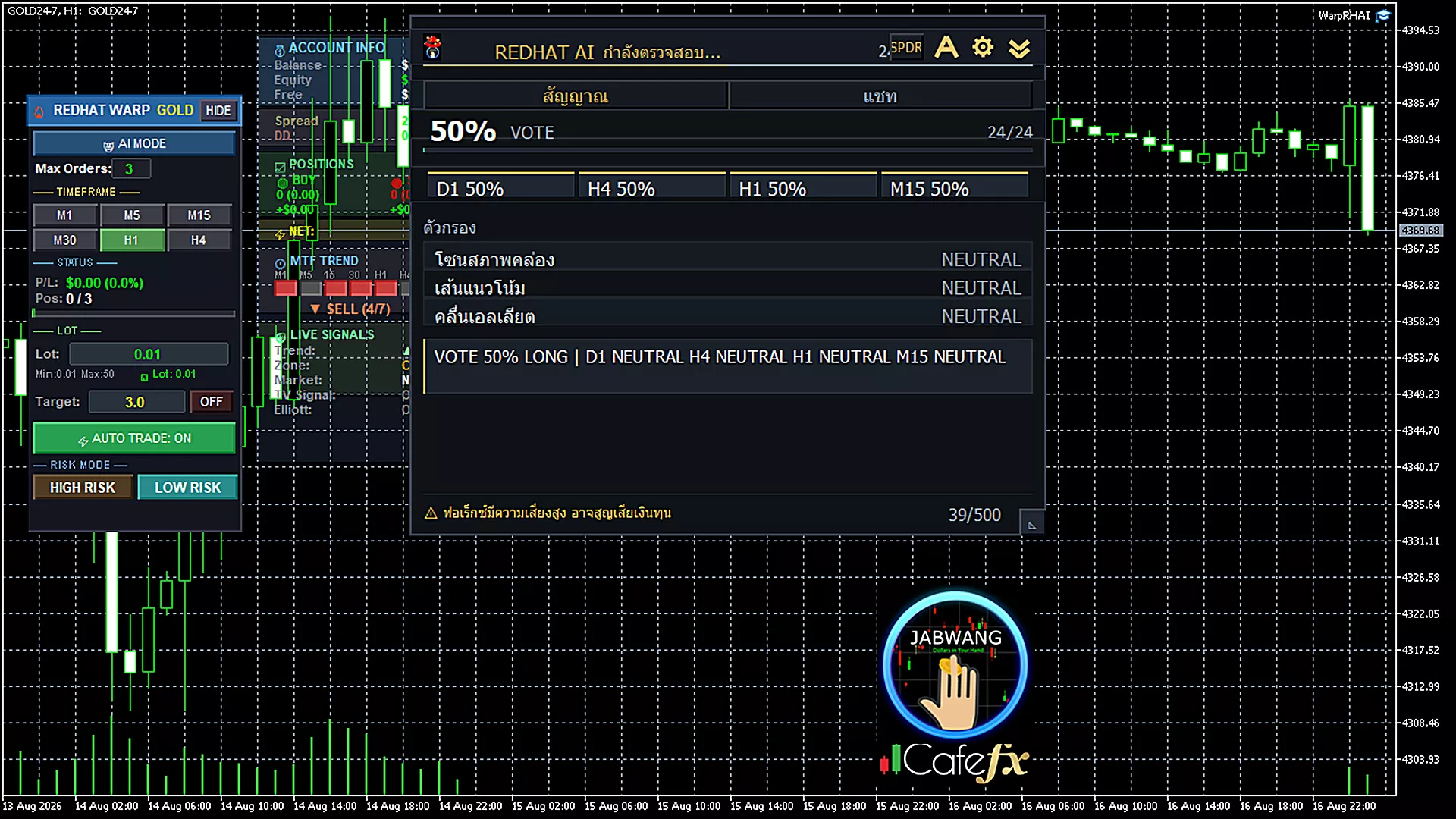
Verifying account — please wait
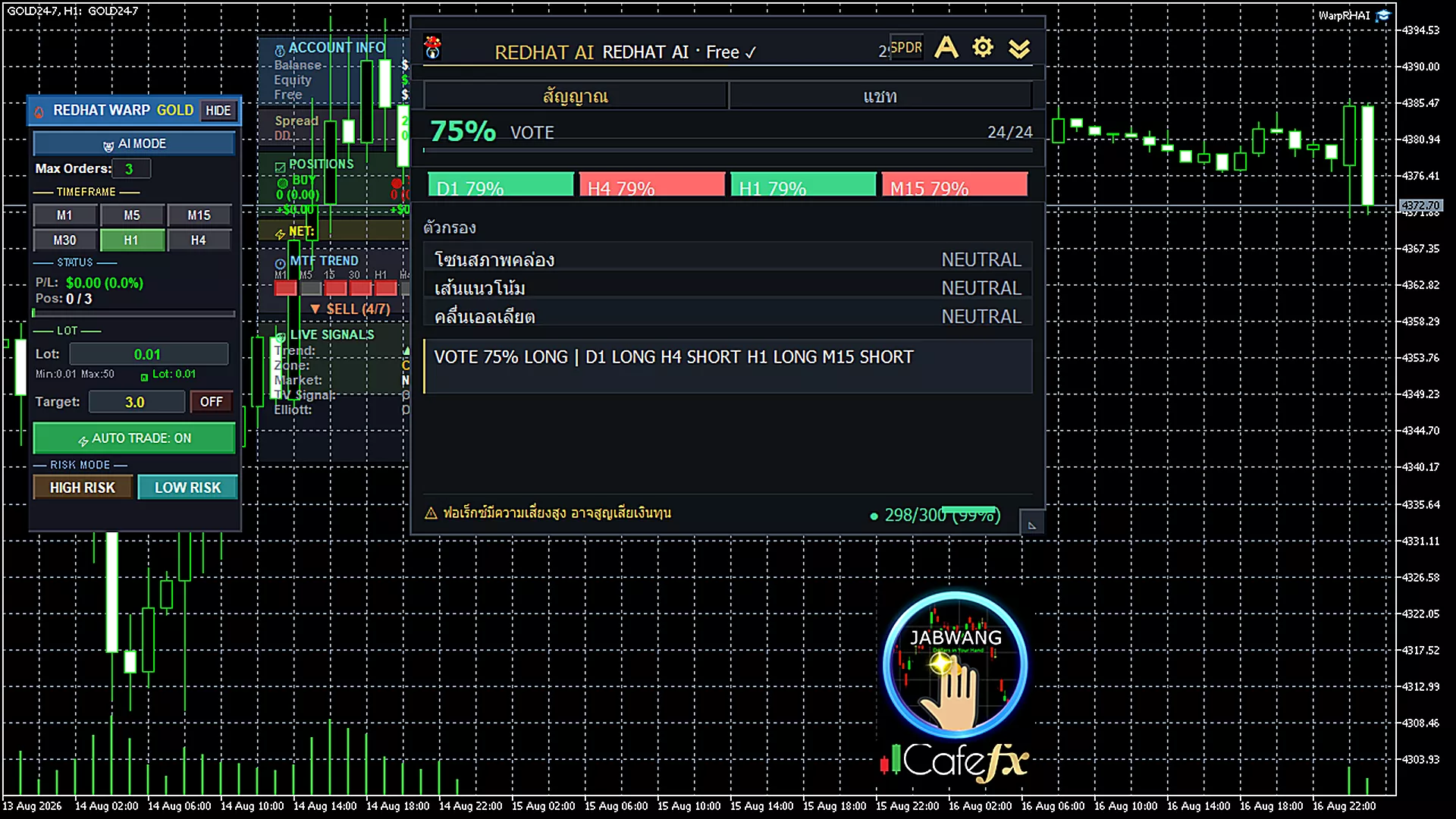
Account verified — ready to use
After placing the panel, the system will show status: Verifying → Verified · If it shows not registered, notify LINE @icafefx
Pro Tip · Mr. Bom
Recommended to test on demo account for 1 week first · Get familiar with signals before using real account · Read and understand each signal before acting · Don't have an MT5 account yet — open a free XM Global account
— Related Links