Live Chart Chat AI
In the Chat tab, you can type questions to AI instantly, or click Quick Chips for preset questions · AI replies in Thai by reading live chart signals in real time · Like having an assistant answering questions right beside your chart

Tutorial Video for This Chapter
Chapter 06 tutorial video · 1 min 39 sec long
How to Use Chat
- Click the Chat tab at the top of the Panel
- Type your question in the input field below · or click Quick Chips for quick questions (see list below)
- Click send · AI will think for a moment, then reply in Thai
- Ask multiple times · AI remembers the conversation context
Quick Chips — Preset Question Buttons
On the actual Panel, there are preset question buttons. Click once to ask without typing:
Actual buttons on the Redhat MCP AI Panel — visible in the screenshots below
See Real Examples (Actual MT5 Screenshots)
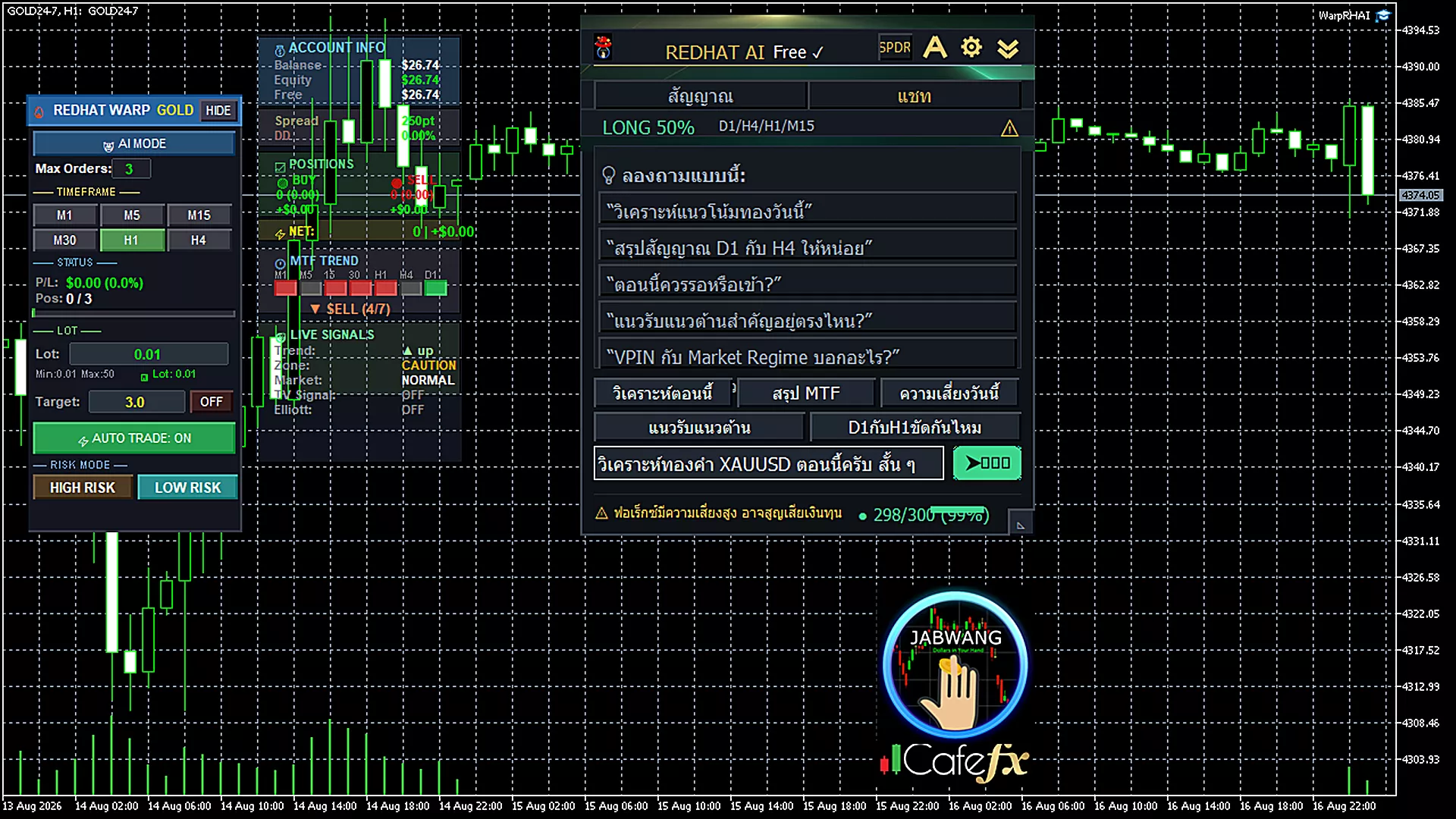
Real conversation — user asks about support/resistance · AI replies with VPIN=POISON GATE alert and support/resistance levels
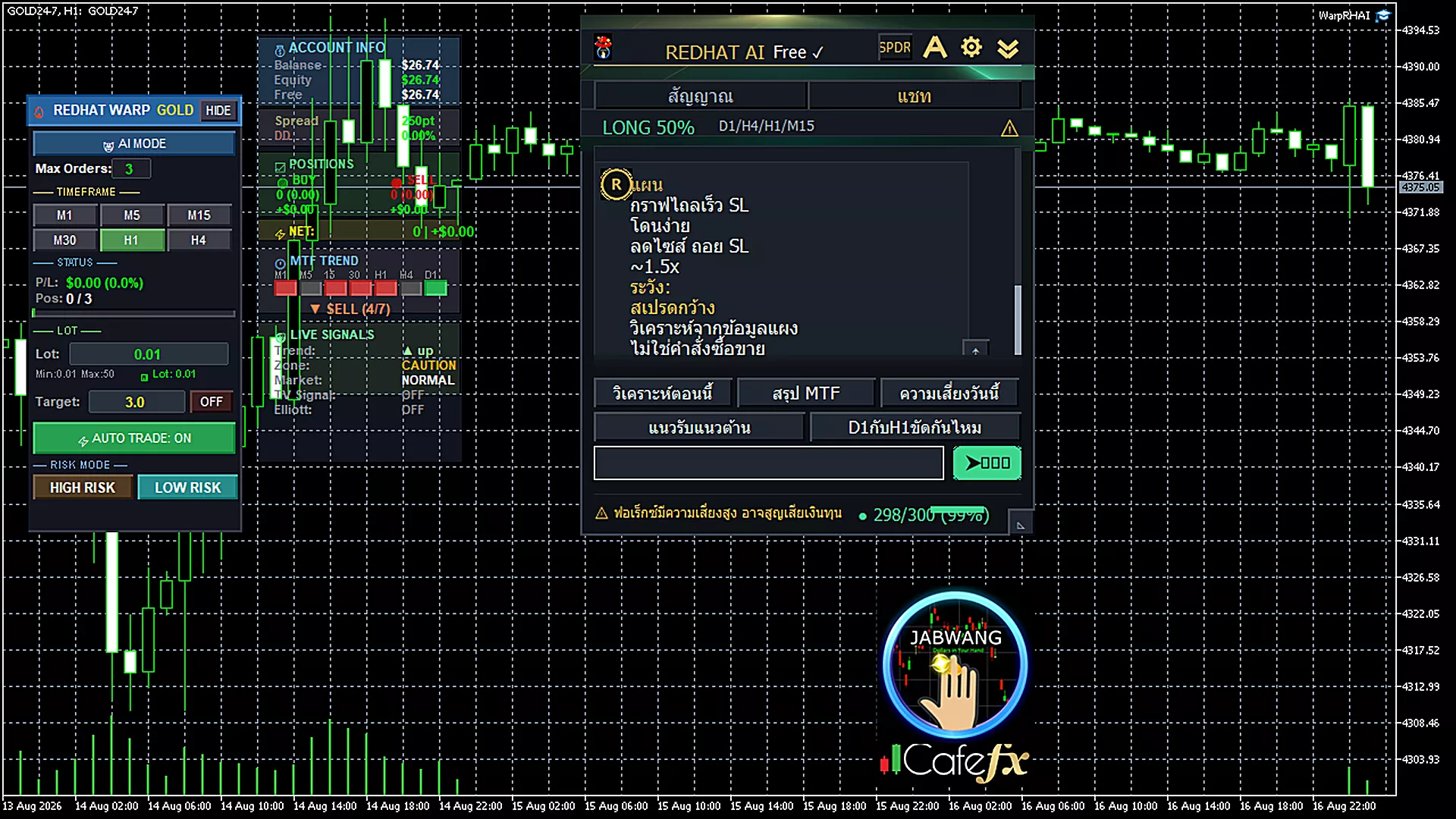
Full Panel view — shows the 5 Quick Chips buttons and AI response format with ■ Zone and ■ Plan sections
Real Response Examples
Copied from the actual screenshots above · Read to understand AI response format
★ AI responses are data analysis — not trading orders · Use as decision support only
Frequently Asked Questions
- "Analyze Now" — Quick market condition summary
- "MTF Summary" — Compare direction across multiple timeframes
- "Today's Risk" — Risk level from VPIN
- "Support & Resistance" — Current support/resistance levels
- "D1 vs H1 Conflict?" — Check for conflicts between D1 and H1