— Chapter 09 · Redhat + Sword
09
Combo
Use with Sword
Redhat MCP AI and Redhat Sword are partners · Redhat MCP AI views signals + asks AI · Sword executes trades + manages TP/SL · Best results when used together

Tutorial Video for This Chapter
Chapter 09 tutorial video · 1 min 36 sec long
Clear Division of Roles
- Redhat MCP AI — Identifies opportunities · Shows signals · Answers questions via AI
- Redhat Sword — Manages trades · Sets TP/SL · Hedge/Grid (counter-positioning / opening multiple trades per plan) · Executes entry-exit trades
Combined Usage Workflow
- View signals from Redhat MCP AI — High Vote%, filters aligned
- Ask AI to confirm "Is this a good time to enter?"
- Use Sword to execute the trade · Set TP/SL as planned
- Let Sword manage it · You sleep soundly
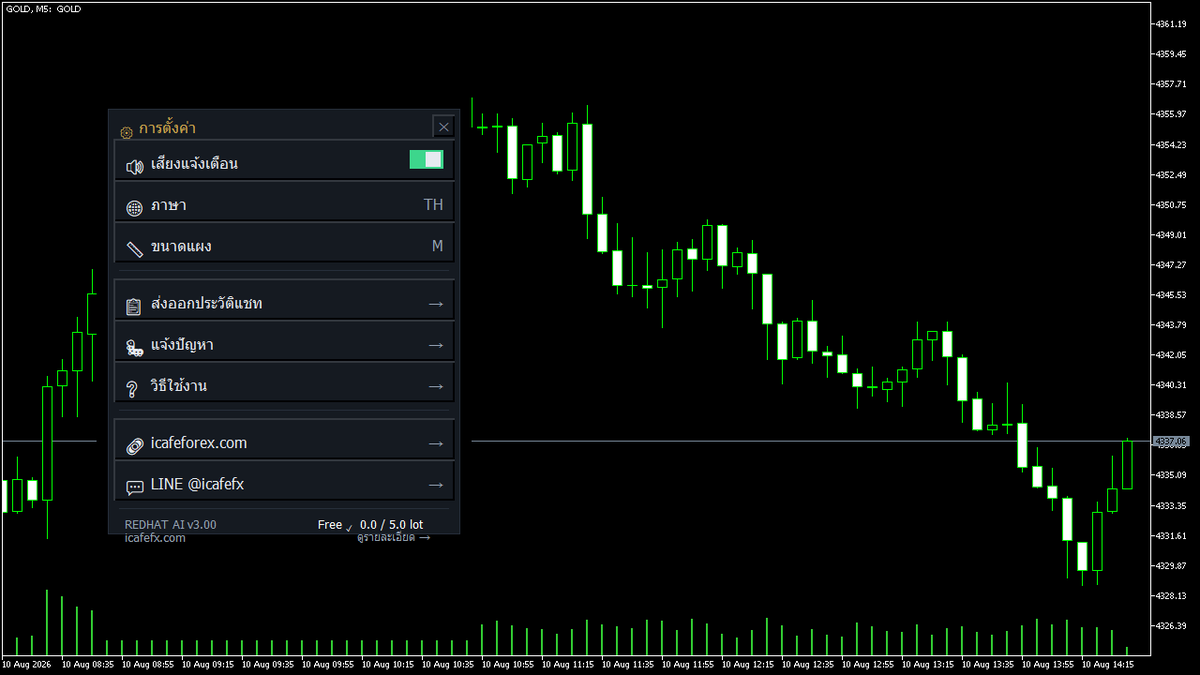
Redhat MCP AI Settings menu — Configure language, notifications, and help links
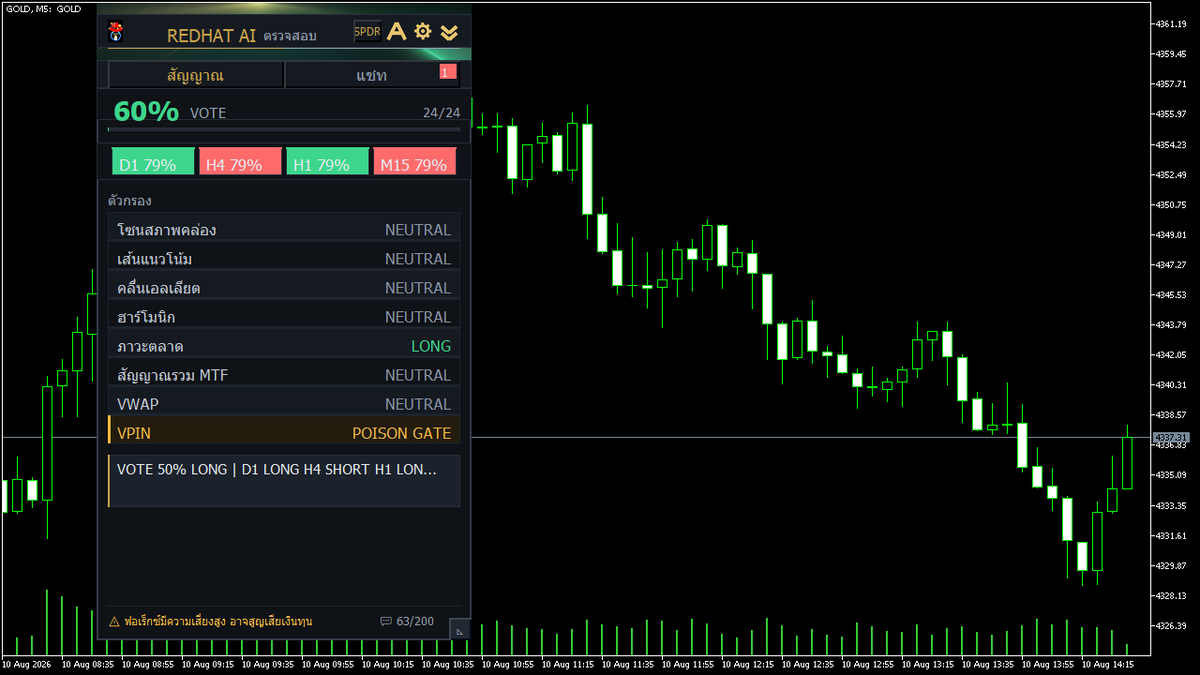
Chart panel — Can be used simultaneously with Sword
Tips
Both panels can be opened on the same chart · Redhat MCP AI indicates direction · Sword executes · Read the Sword manual at Sword Manual
★ Redhat MCP AI = eyes + ears · Sword = hands · Complete all three, ready to trade
— Related Links