Fix 5 Common Symptoms
What we will do today
Match each symptom to the right checkpoint.
Before you start: Pick the item that matches the symptom you see.
Remember before acting
Read the button name before pressing — especially buttons that clear or delete history.
Step by step
If prices do not move, check the market status
If a calculator is missing, open Settings
If the assistant does not reply, check the quota
If there are no alerts, check Quiet hours
If it still misbehaves, open Contact
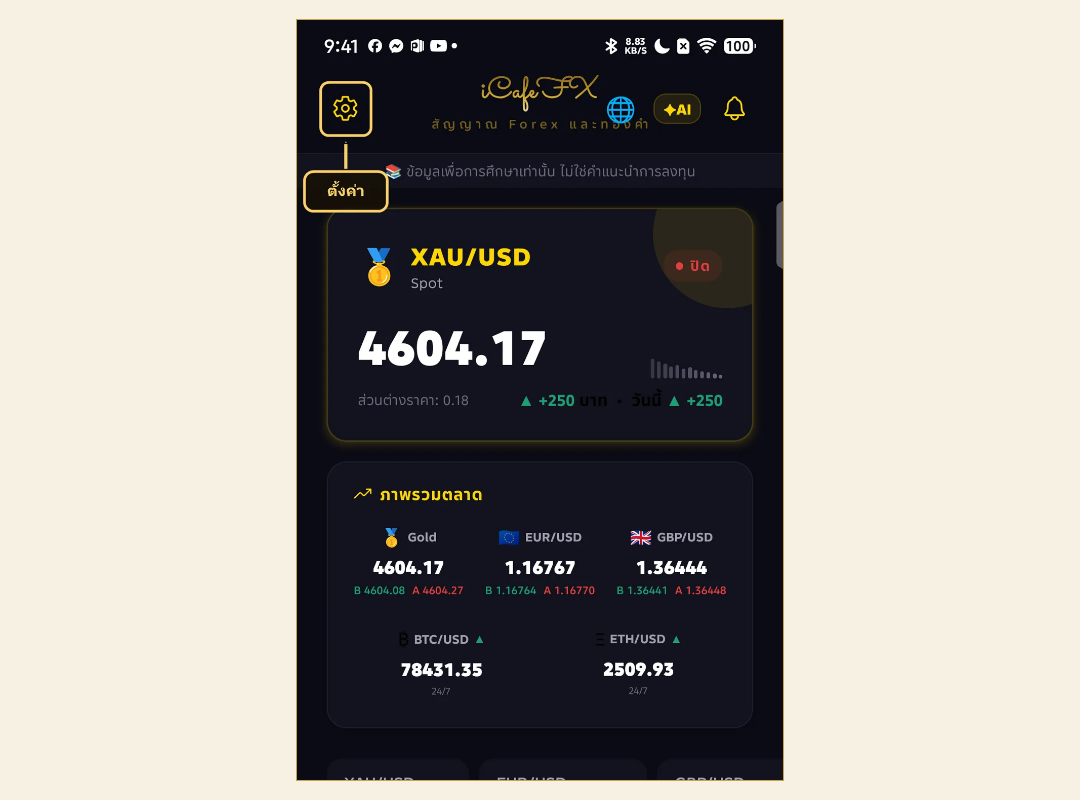
What you should see after doing it
The remaining symptom is identified, with information ready for the team.
Small tip
Screenshot with the time the symptom occurred — it helps the team check the right spot.
Watch the companion clip
The companion clip is from an earlier version; some frames may not match the current steps. Compare version names and follow the lesson together with the reference image on this page.