Exit tools: Virtual TP / BE / Trailing + Profit Lock & SuperPIG
⏱ ~6 min · 1300 words · English
Lock in the profit you already have - every exit tool in one place: virtual TP, break-even, trailing, Profit Lock and SuperPIG.

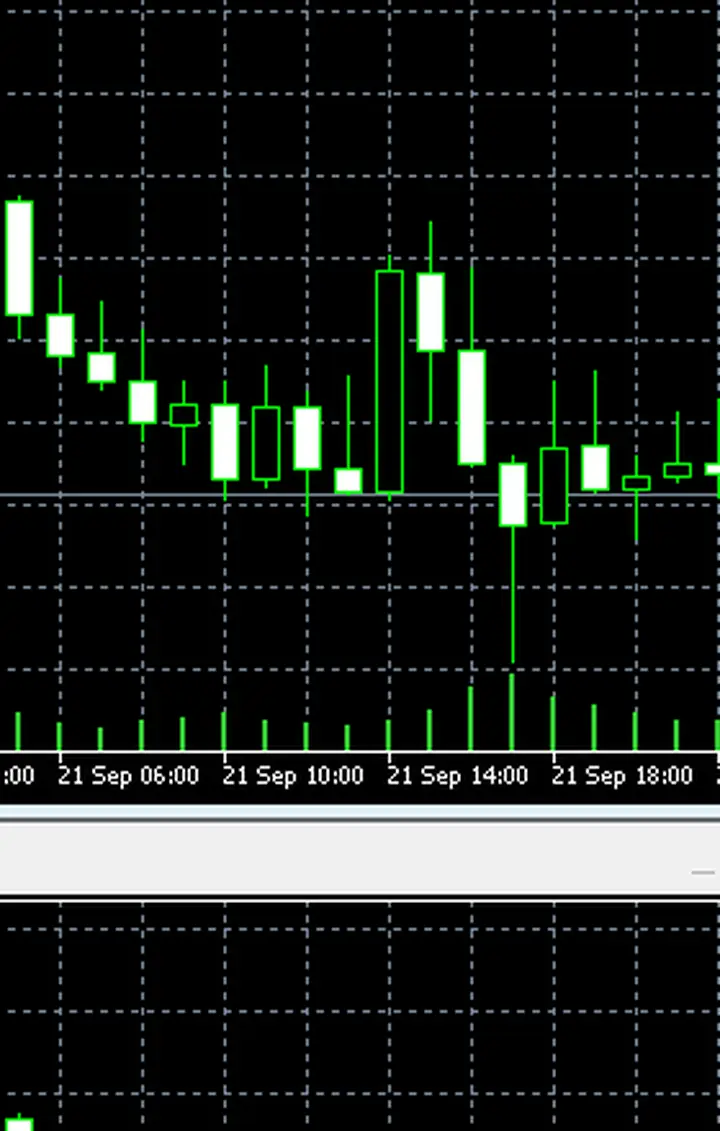
Chapter summary video · panel footage + voice (Demo · 2:48 + 2:42)
Footage from a demo account · press play to hear the summary · not investment advice
Quick summary
- TP BUY / TP SELL = 20 · TSL = 10 pips (read from the expanded SEMI-AUTO bar)
- Internal breakeven protection kicks in at 0.3R — there is no button for it on the panel
- Trailing uses an internal ATR 1.5 distance — the part you can set is TSL 10 pips
- Virtual exits die when MT5 closes — use a VPS if you need them running around the clock
- Profit Lock locks profit at 10 pips (value pre-filled), but the button starts at OFF
- It only goes live when you press the Profit Lock button to ON
- SuperPIG = closes every position when total profit reaches a USD target — the 0$ default means disabled
- SuperPIG is not a lot multiplier and not martingale
What is a virtual exit?
A virtual TP is an exit point the EA remembers itself and never sends to the broker — the upside is the broker cannot see where your exit sits; the trade-off: close MT5 or lose your connection and the exit is gone
Values from the expanded SEMI-AUTO bar: TP BUY 20 · TP SELL 20 · TSL 10 — the unit is pips on gold (1 pip = 10 points)
The same numbers as chapter 4
The example position uses the same set as chapter 4: BUY 0.01 on GOLD · SL = 1R · virtual TP = 3.0R · TSL 10 pips · 50-point (5-pip) spacing between stacked positions · no more than 3 positions
What has no button on the panel: the internal breakeven point works at 0.3R (once profit reaches 30% of the risk, the system moves SL to around the entry price) · the internal trailing distance uses ATR 1.5 — both values are hard-coded inside the EA and cannot be changed from the panel
I recommend a VPS if you leave AUTO running overnight — a position waiting on a virtual TP becomes an orphan the moment MT5 goes dark
How these two tools differ
Profit Lock works per position: once profit runs past 10 pips, the system stops that position from falling back into loss — the 10-pip value ships from the factory, but the switch starts at OFF and you must turn it on yourself
SuperPIG works on the whole basket: when the combined profit of every position touches the USD figure you set, the system closes them all at once — the 0$ default means inactive. The example on the panel: CLOSE ALL at USD -50 is the loss-side basket-close value
An example with numbers
The same example set as before: BUY 0.01 on GOLD · SL = 1R · virtual TP = 3.0R · TSL 10 pips · 50-point (5-pip) spacing between stacked positions · no more than 3 positions
With Profit Lock on: profit passes 10 pips → the position's hard stop is pushed up so it cannot turn negative — but be careful: locking too early cuts a runner before it reaches 3.0R
With SuperPIG set to, say, 30 USD: total profit touches 30 → every position closes for the day — suiting traders who like a clean daily finish
Pro Tip · Mr. Bom
Exit tools are a double-edged sword: they protect profit fast, but they depend on your machine 100%. I have used a VPS since the first day I ran AUTO overnight — it costs less than a single position that slips away. Try it on a demo account first; the risk is real on both the opening side and the closing side.
I pair them like this: Profit Lock on from the first position, but SuperPIG held back during practice — basket-closing on small profit robs positions of the chance to run their full 3.0R. Once the timing feels familiar, put in a daily target figure. Try it on a demo account first; the risk is real at every exit point.
FAQ
⚠️ For educational purposes, not investment advice · always try on a demo account first · screenshots from a demo account
Related chapters
Get Redhat WARP free via LINE @icafefx
Add LINE to receive the EA + manual + usage guidance · works on any MT5 broker that offers gold · always start on a demo account