Set SL/TP for a whole side · 4 buttons + Show Fibo
SetSL-B SetTP-B SetSL-S SetTP-S set the stop-loss and profit target for a whole side from the number fields · Show Fibo opens the FIBO_Daytrade lines
Illustrations
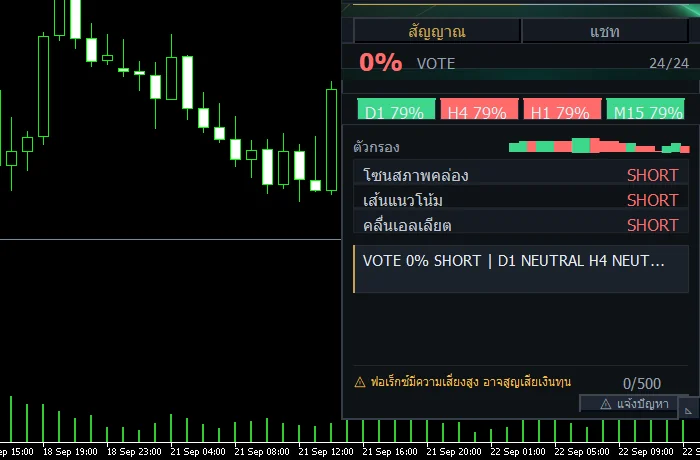
Chapter video
Real MT5 screen recording · not investment advice · trading involves real risk
TL;DR
This group has four buttons · SetSL-B and SetTP-B work on buy-side trades, while SetSL-S and SetTP-S work on the sell side · the numbers they use are taken from the number fields on the panel · one related button is Show Fibo, which turns on the FIBO_Daytrade levels on the chart — it is a post-auth button
When to use this feature
Use these four buttons when you hold several trades and want to set the stop and the target as one uniform set for an entire side · use Show Fibo when hunting for price zones before you set values
How to use
Enter the numbers first · one field on the panel is the profit-target distance, the other is the stop-loss distance — both in points of the symbol · once the numbers are in, press the button for the side you want · press SetSL-B and the system applies the stop distance to every buy trade; press SetTP-S and the system applies the target distance to every sell trade
These four buttons work as a set — one press reaches every trade on that side · if you want to adjust a single trade, use the per-trade buttons in the trade list instead · as for the Fibo lines, the Show Fibo button sits in the right column after passing auth; press it and the FIBO_Daytrade levels appear on the chart, visible as boundaries to guide where you set values
Pro Tip · Mr. Bom
Before pressing any side button, open the Fibo lines and look at the zones first · placing the stop beyond a strong zone beats picking a bare number · and to repeat, the only line set actually used in this version is FIBO_Daytrade
FAQ
Q: How do the B and S buttons differ?
A: B works on buy-side trades, S works on sell-side trades
Q: Where do the numbers come from?
A: From the number fields on the panel — one field is the target, the other is the stop-loss
Q: Does pressing one side affect the opposite side?
A: No — each side's buttons command only that side's own trades
Q: What lines does Show Fibo draw?
A: They are the FIBO_Daytrade levels embedded in the EA
Q: What if I want to adjust a single trade?
A: Open the trade list and use the per-trade buttons instead; the details are in chapter 4
See also
Follow Mr. Bom on LINE
Ask further questions on LINE @icafefx · new version updates · signals and manuals, all free
Download Redhat Sword free
Semi-Auto Trading Panel · MT5 · XAUUSD · always try on Demo before any live account · trading involves real risk