Redhat Control Panel Sword · MT5 Trading Panel
Redhat Sword Manual · Semi-Auto for XAUUSD
⏱ 14 chapters · v4.67 · English
A Semi-Auto trading tool on MT5 for gold · you press every entry yourself · Sword arranges TP · SL · Hedge · Grid · fully rewritten from the real v4.67 code · free · always try on a Demo account before a live account · trading involves real risk
Redhat Sword manual overview
- 14 chapters — from installation · opening and closing orders · risk management · Hedge/Grid
- True to the real v4.67 code — every button and field name checked against the actual EA file
- 6 indicator names — counted from the code files · 3 listed as active · RHAI2 is a separate product
- Free — Semi-Auto on MT5 · trade XAUUSD · always try on Demo first · trading involves real risk
Choose your reading path
Follow the path STEP 1 → 2 → 4
Meet the tool · install it · learn the panel map · manage risk
Jump to STEP 9
Licensing · silent buttons · hidden buttons · field names that do not match
Type in the search box below
Find any button or field name instantly from this page Go to the search box
Intro video · Redhat Sword overview
- Semi-Auto · you press every entry · Sword arranges TP/SL/Hedge/Grid
- The whole manual follows button and field names from the real v4.67 code
- SuperPIG · auto-close by USD amount · curbs greed
- Works with XM Global MT5 · trade XAUUSD · free
▶ Watch on YouTube · 🔔 Subscribe @icafefx · the video narration is in Thai; the written manual is in English
14 chapters · ordered by real use
Grouped into 4 stages by how you actually use the panel · click a card to read the full chapter
No matching chapter — try another word
Getting started
Start here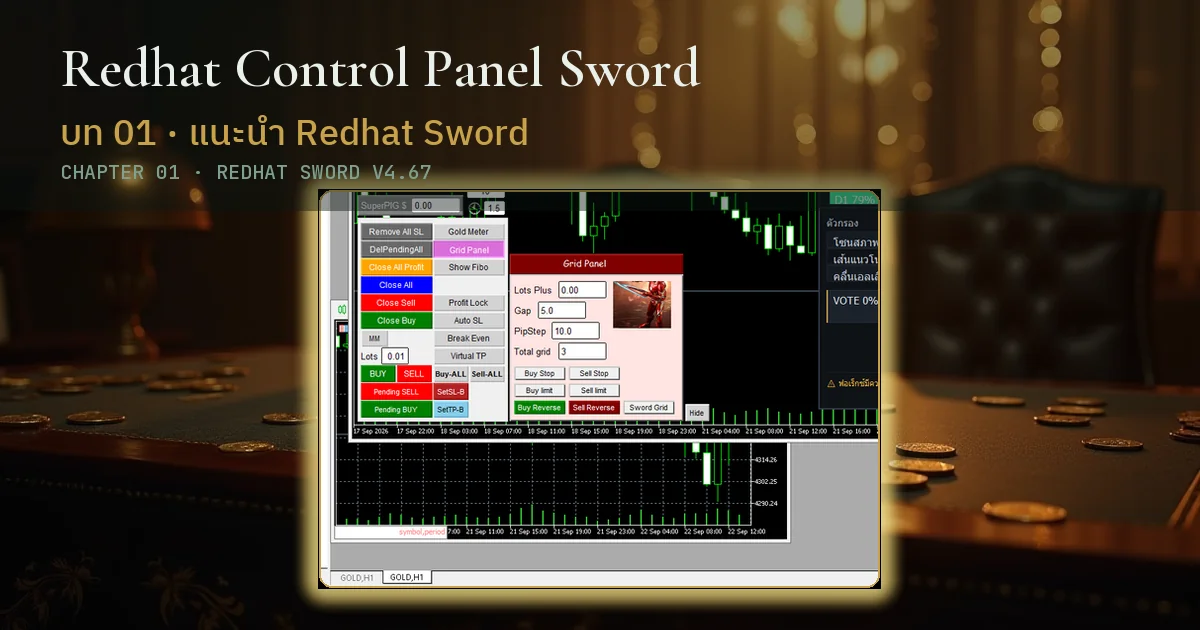
Introducing and Installing Redhat Sword
Order control panel on MT5 for gold · one-file install with embedded indicators · tick Allow DLL · automatic license check · RHAI2 is a separate product
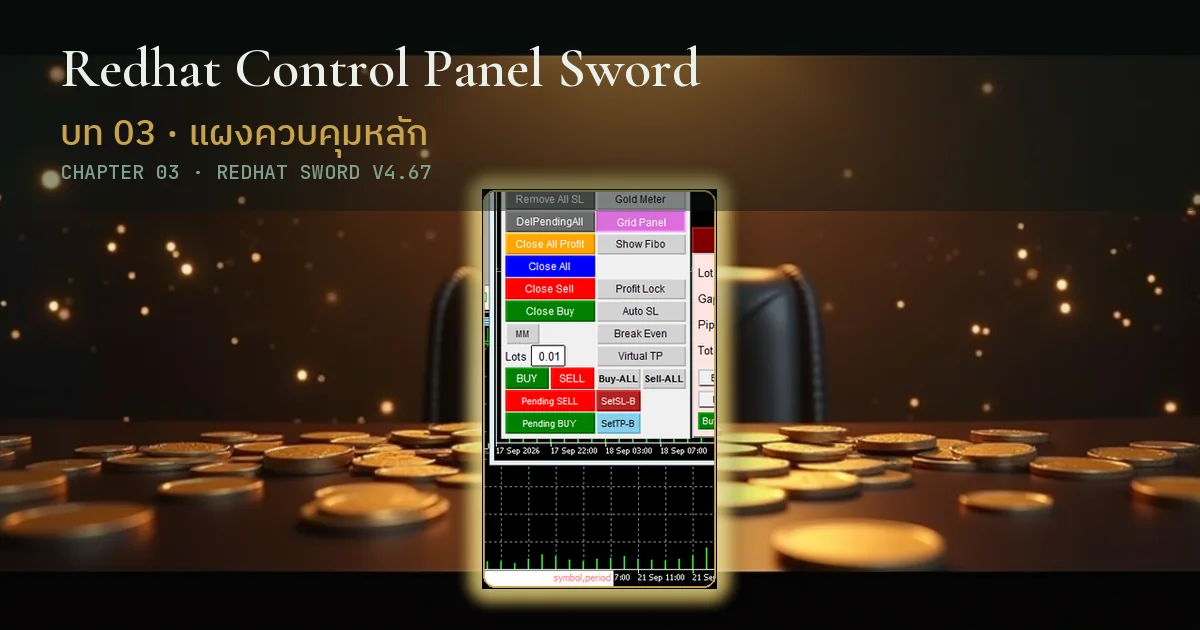
Sword Panel Map · Zones and Buttons by Real Code
Panel map from the real v4.67 code · pre-auth and post-auth faces · start from the 4 main buttons
Daily trading
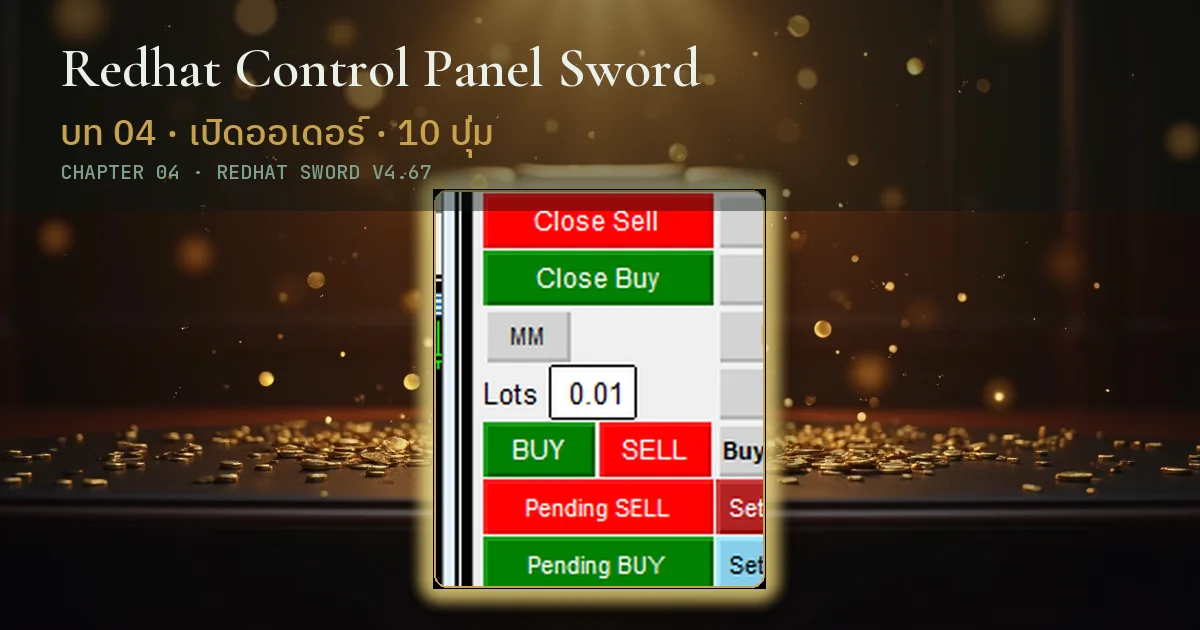
Opening and Closing Orders · Entry and Close Buttons
Pending places waiting orders · BUY SELL open instantly · Buy-ALL after auth · Close All on this chart only · Close All Profit banks gains · remove pending · strip SL
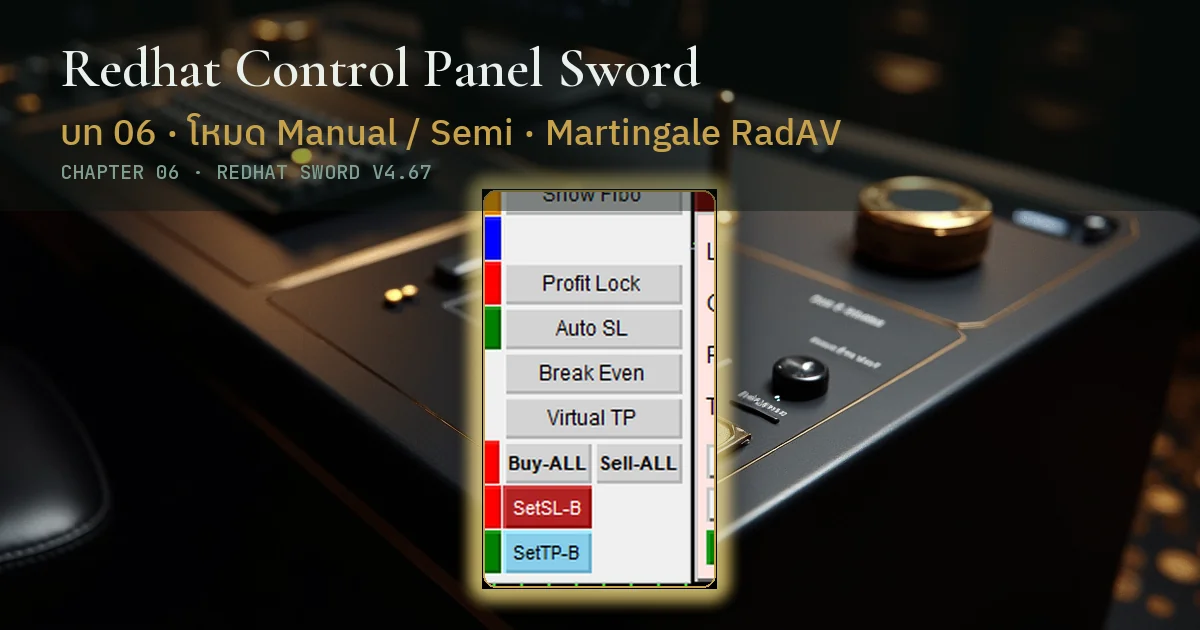
Trading Modes and Risk Management
M is Manual and S is Semi · RadAV ladder multipliers 1.1 and 1.8 are constants · MM divides money by the Devide field · DD_Stop brake · MaxSpread filter
Portfolio safety
Important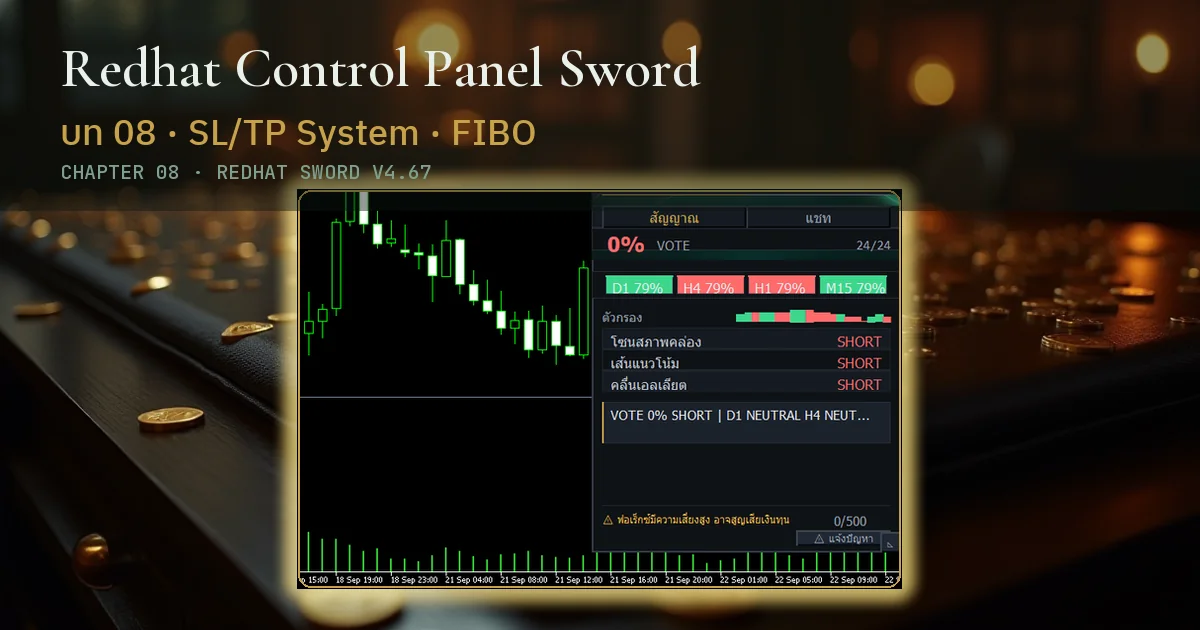
Setting SL/TP Both Sides · 4 Buttons + Show Fibo
SetSL SetTP for both sides from the number fields · Show Fibo turns on the FIBO_Daytrade lines
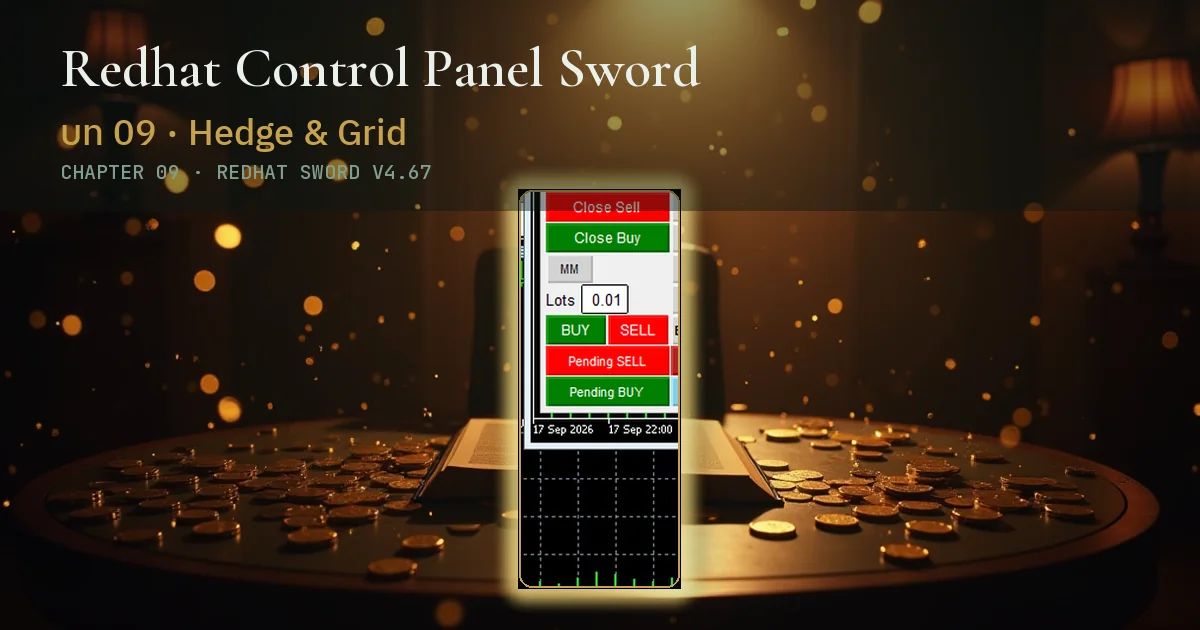
Hedge · Grid and Display Buttons
Hedge row enabled from Inputs · AutoCut closes at one dollar profit by default · fixed-additive grid steps · Gold Meter · Grid Panel · Hide folds the panel
Advanced & troubleshooting
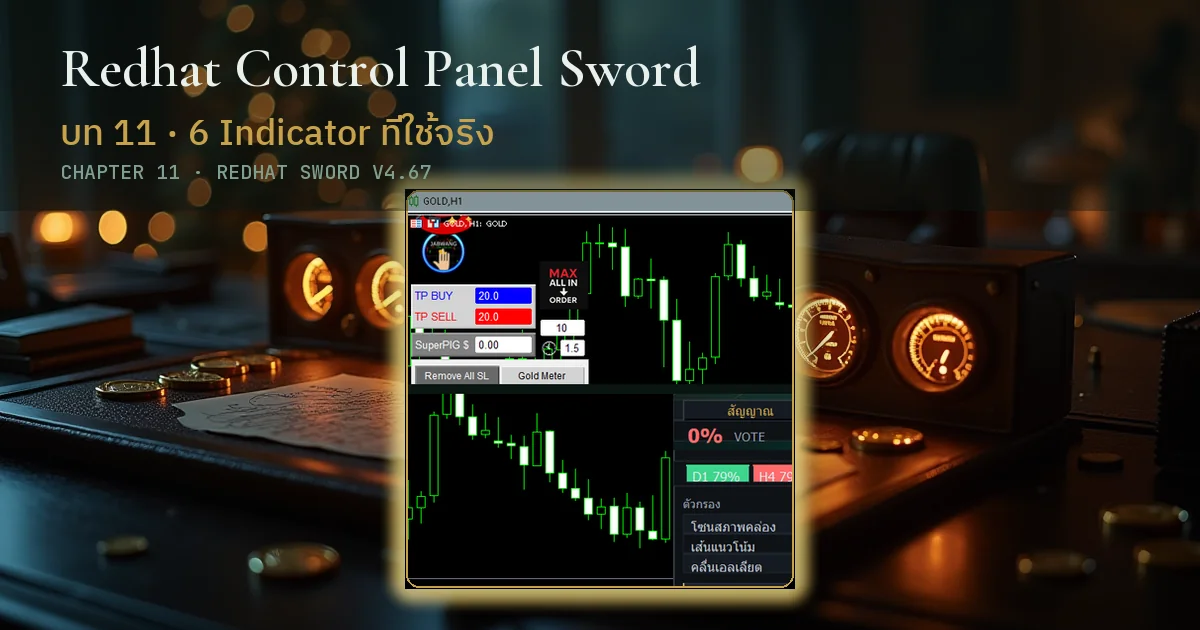
The 6 Indicators That Ship with Sword
Six names counted from the code · three listed as working · two more embedded but switched off · RHAI2 is separate
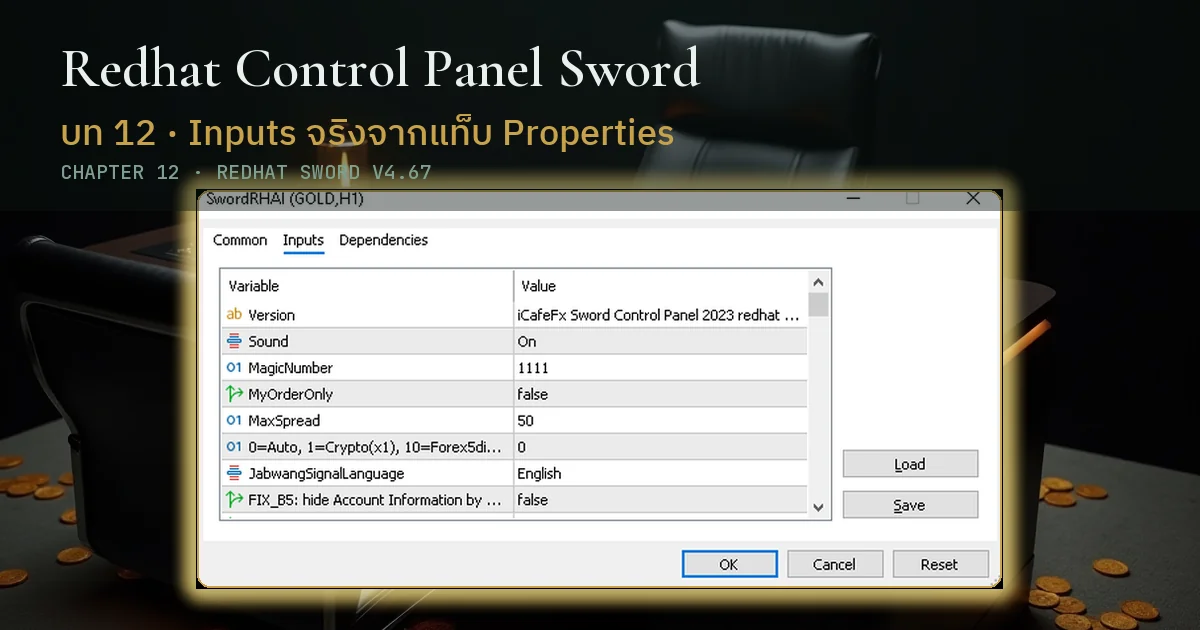
Every Inputs Field · By Its Real Name in the Code
Every real field name collected · SuperPIG is in dollars, zero means off · constants have no editable field
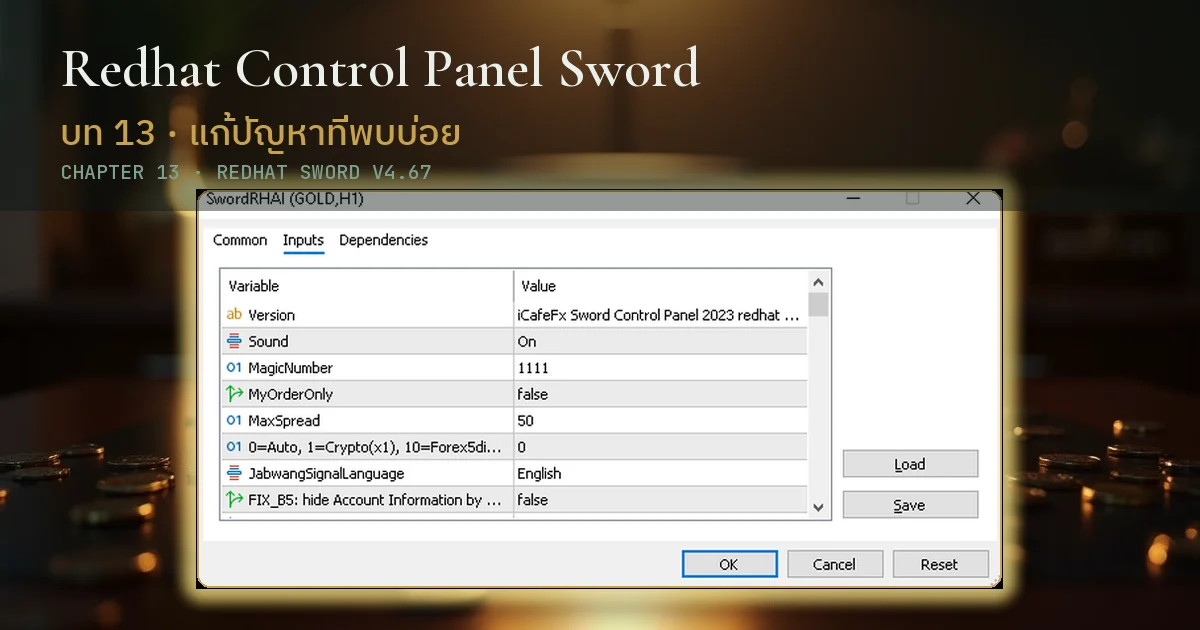
Troubleshooting · Contact and Community
Start with licensing · silent buttons when Algo is off · hidden buttons · field names in chapter 12 · LINE @icafefx, everything free
Mr. Bom (Pi-bom) · 13+ years in the markets
Founder of SiamCafe.net since 1997 · XM Global Legend Partner · creator of iCafeFX and the Redhat Control Panel Sword · Semi-Auto MT5 tools for XAUUSD traders
I built Sword after watching traders lose money repeatedly with full-auto EAs · so it is Semi-Auto · you still control every entry · Sword arranges TP/SL for you · always spend a week on Demo first
Download Redhat Sword free
Semi-Auto Trading Panel · MT5 · XAUUSD · always test on a Demo account before any live account