Fix 5 Common Symptoms
What we will do today
Collect symptoms so an administrator can check them.
Before you start: Pick the item that matches the symptom and note any error message you saw.
Remember before acting
If it looks like a system problem, send the symptom and the time to the administrator.
Step by step
If the site will not open, check the link you received
If you cannot log in, ask the administrator to check the account
If a model is missing, report the account name so access can be checked
If an answer comes back empty, save the error message
If the budget runs out or it is slow, note the time and the symptom
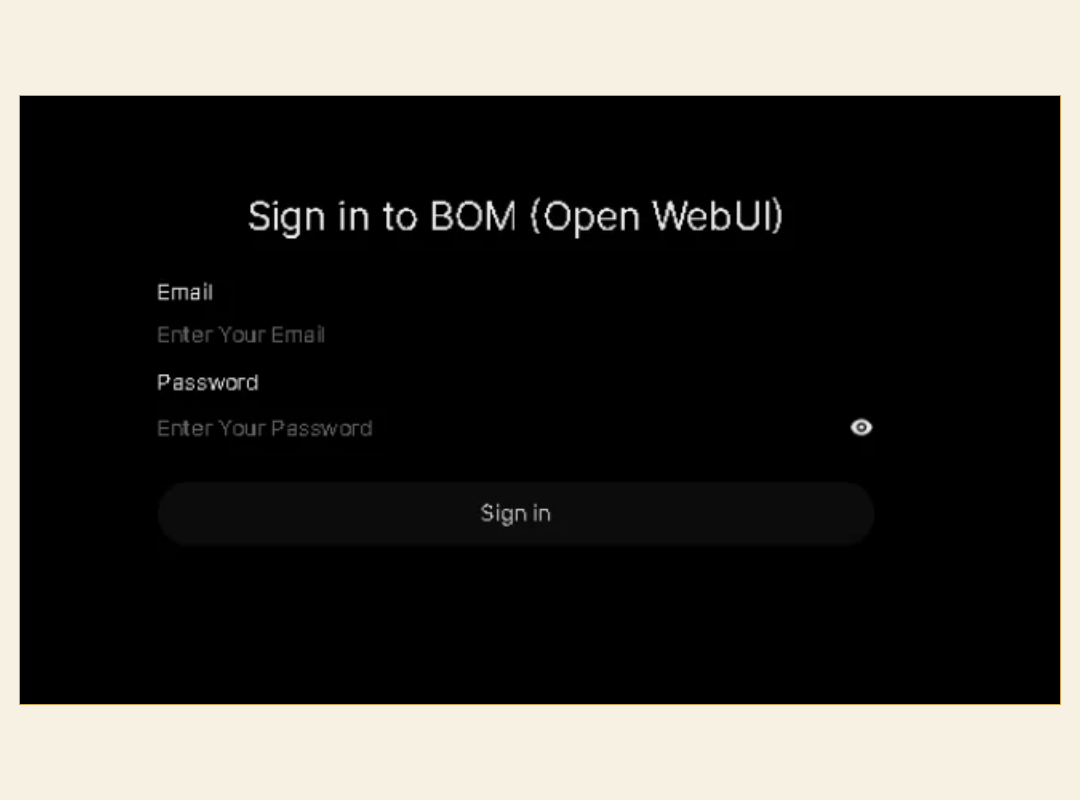
What you should see after doing it
You have the time of the symptom, the error message, and the model name involved.
Small tip
Hide keys, passwords and personal data before sending screenshots.
Watch the companion clip
The companion clip is from an earlier version; some frames may not match the current steps. Compare version names and follow the lesson together with the reference image on this page.