REDHAT SWORD
You press every entry · Sword arranges the rest
A Semi-Auto gold trading panel on MT5 · 41 buttons · 6 indicators
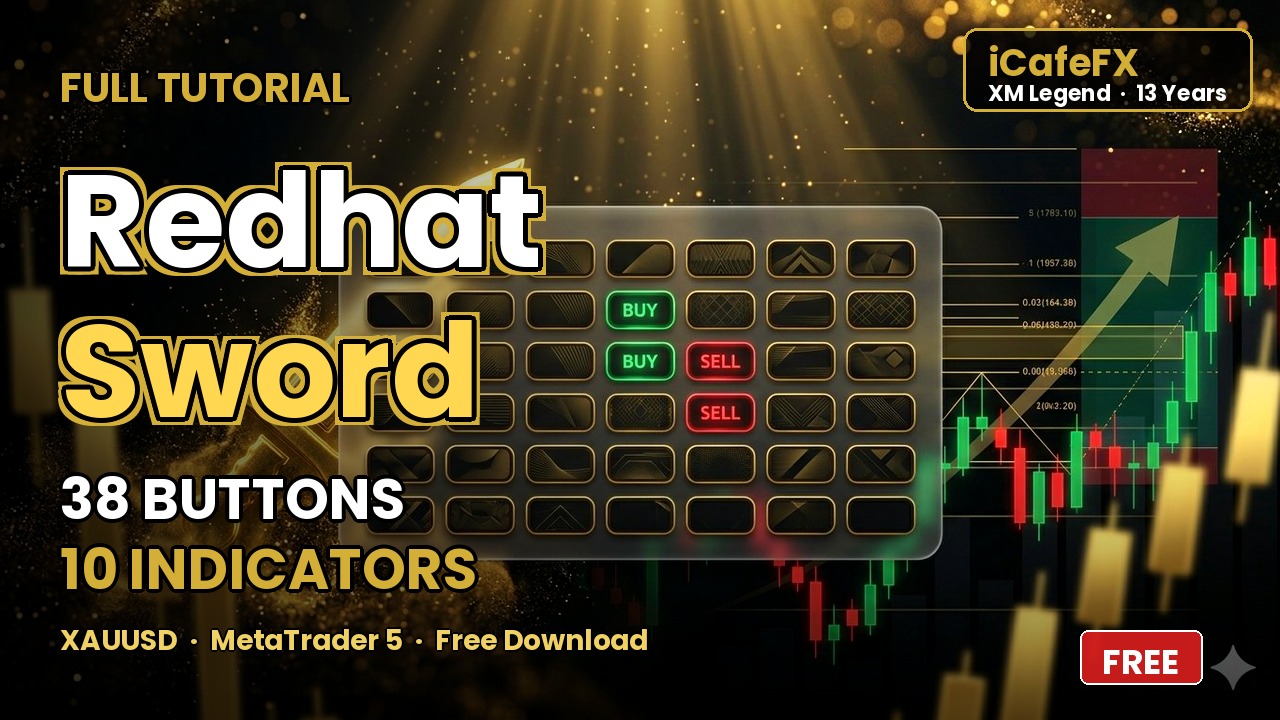
// SIGNATURE TECHNOLOGY
The Trading Panel system
You press the entries · Sword arranges the rest · sets the lines · locks profit · manages positions in the background of every trade (DD_Stop is off by default - set your own risk in chapter 7)
Safer entries
You press every entry · Sword sets the SL automatically · never forgotten
Protects the account
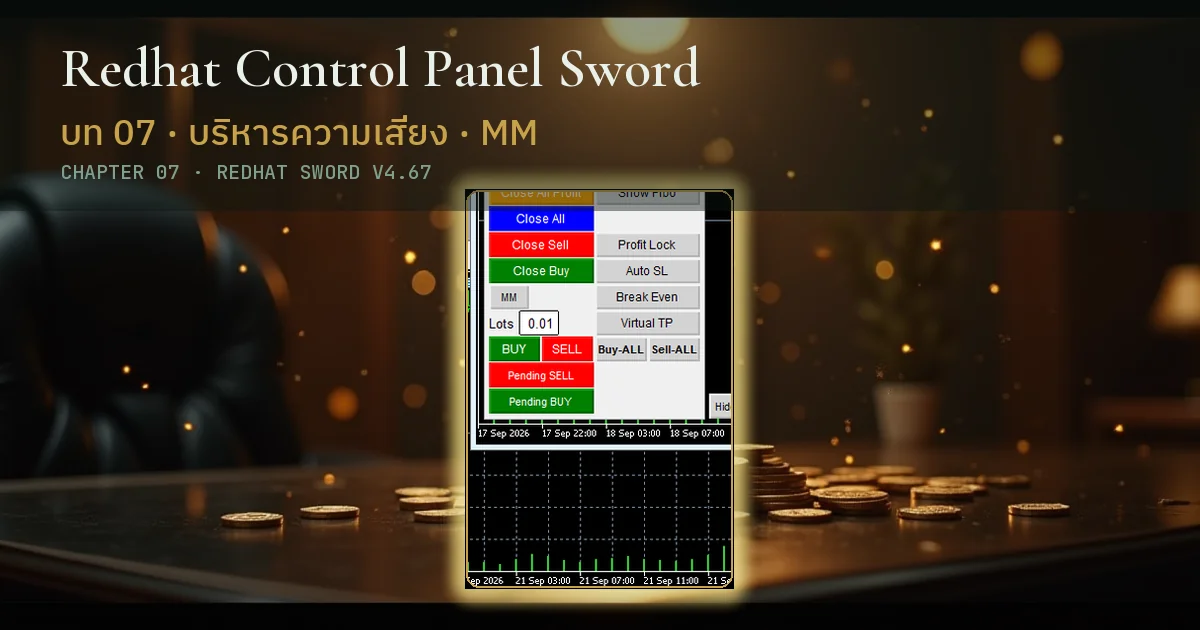
MM caps the loss per trade · Break Even and Profit Lock work in the background
Escapes a crisis fast
Hedge x1 with AutoCut closes everything automatically once net profit hits the target
Reads the market from the open
Gold Meter reads gold momentum before your first trade · Fibo finds entries and exits
// 3 USAGE MODES
Pick the mode that fits you
SEMI-AUTO
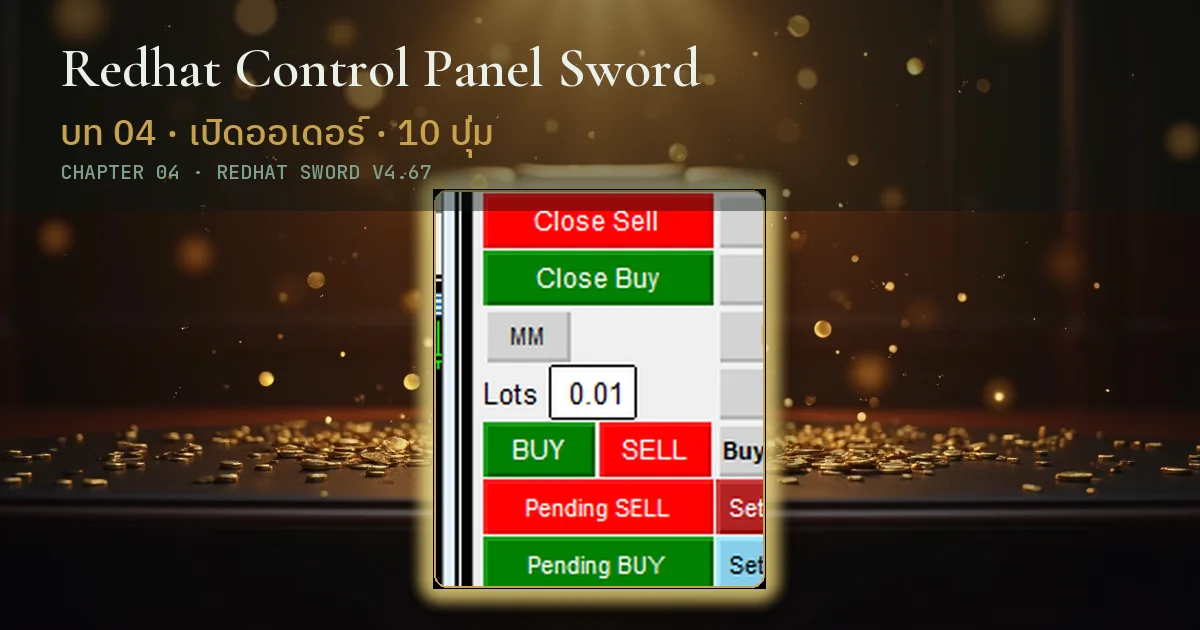
- Press any of the 41 buttons yourself
- SL/TP calculated automatically
- Full control of every order
- Great for sniper traders
MANUAL
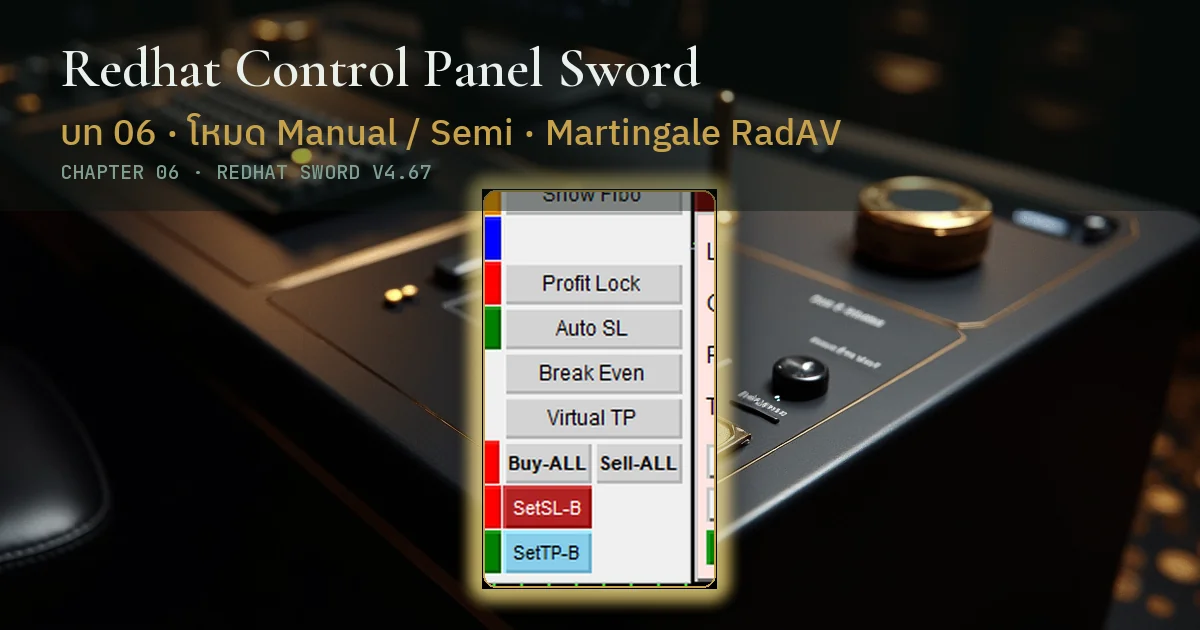
- Manual + Semi-Auto
- Open/close every order yourself
- Automatic SL/TP
- For traders who want full manual control
HEDGE / GRID
- Hedge x1/x2/x3
- Sword Grid System
- AutoCut profit target
- For advanced traders
// VIDEO DEMOS
Tutorial videos
The complete guide plus the installation walkthrough from iCafeFX
"One control panel for every trade - built for gold traders who want maximum efficiency" - Mr. Bom · iCafeFX
// DOWNLOAD
Download Redhat Sword
Free of charge, with the full manual and complete tutorial videos
// MOBILE COMPANION
Trade anywhere
MT5 not convenient? Try the iCafeFX mobile app · check order status, read signals and manage your portfolio from your phone
// MANUAL CHAPTERS
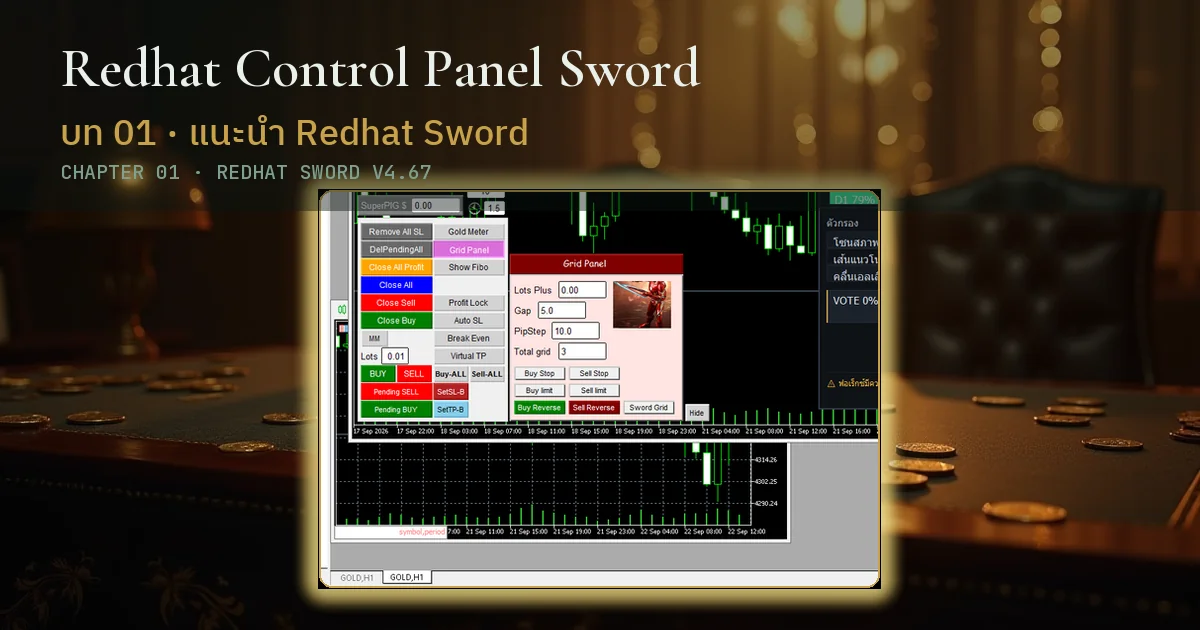
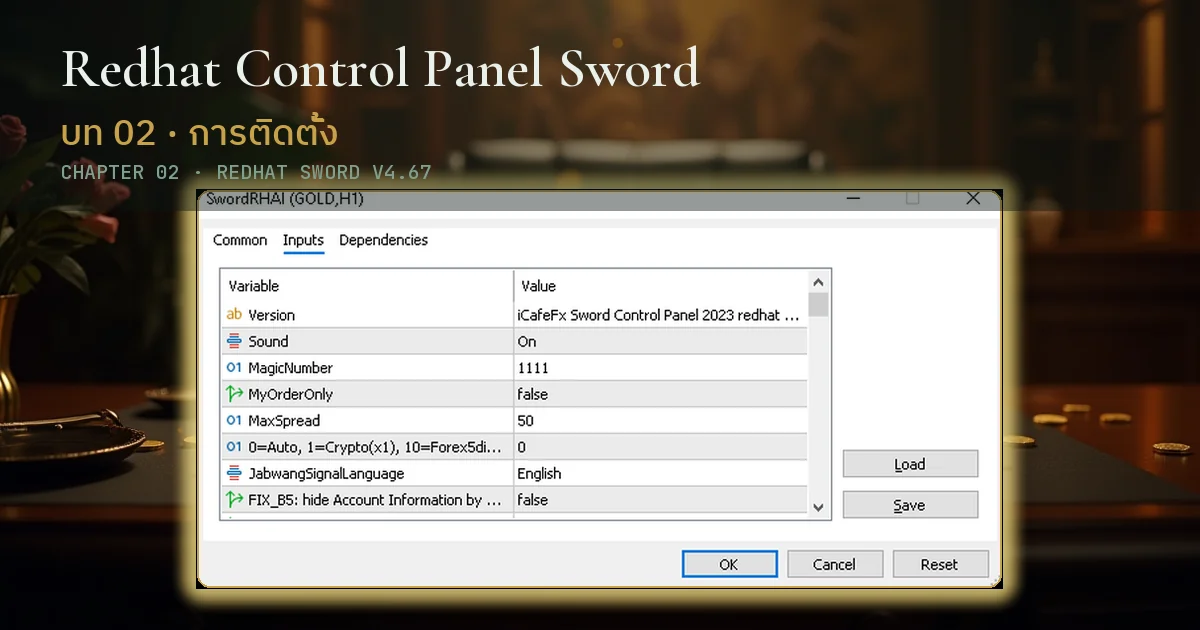
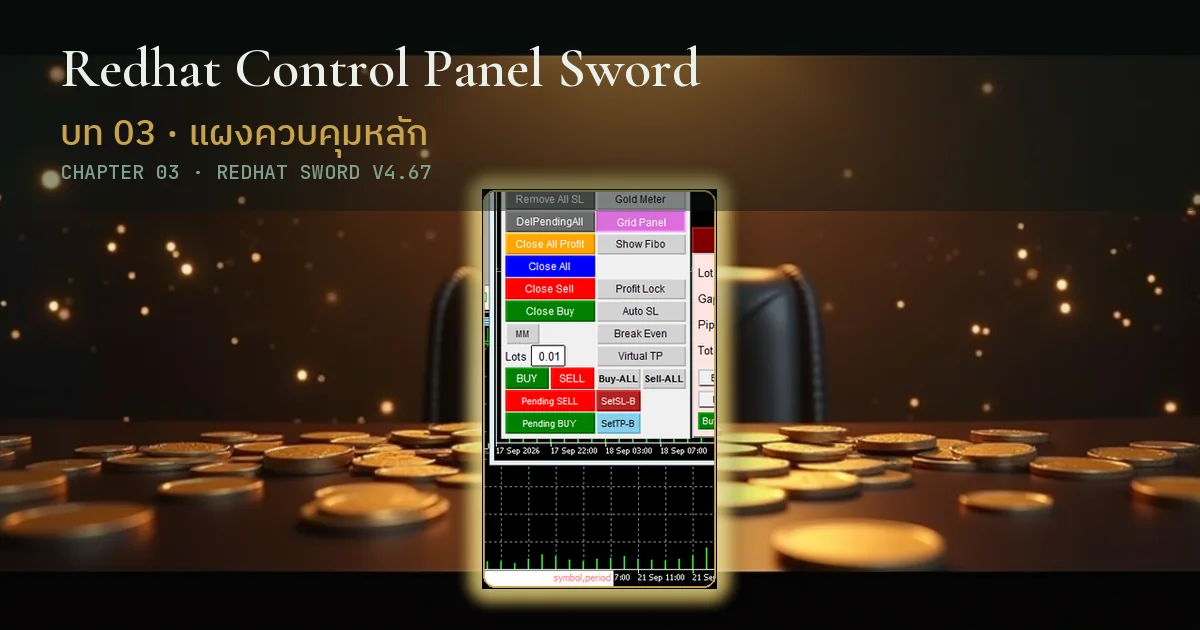
The complete 14-chapter manual
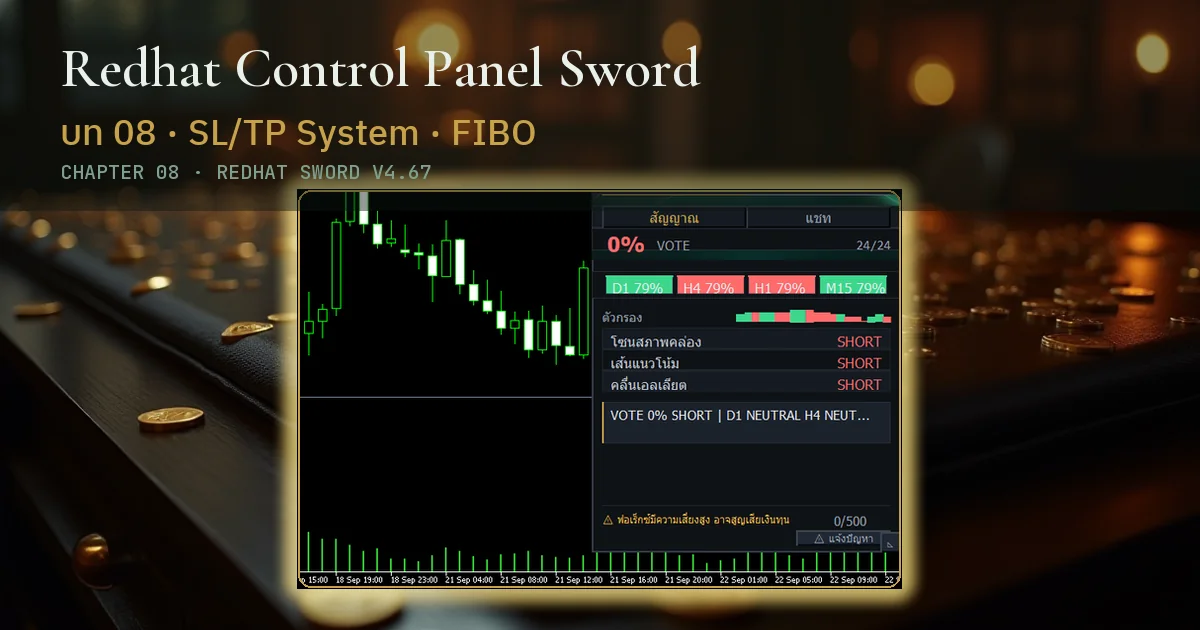
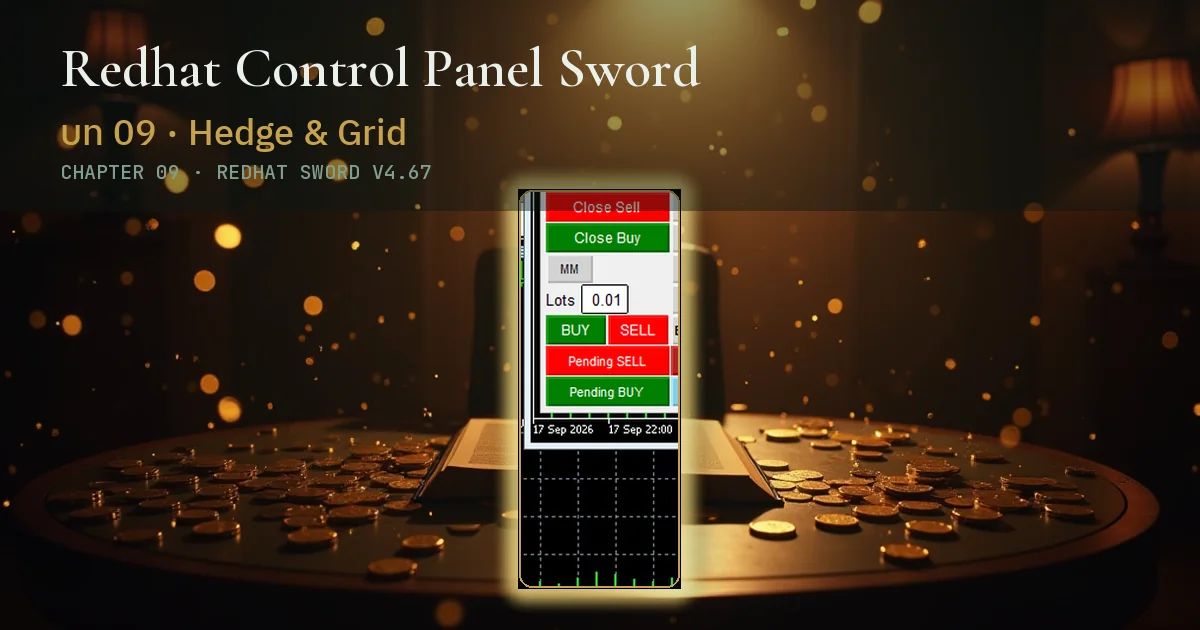
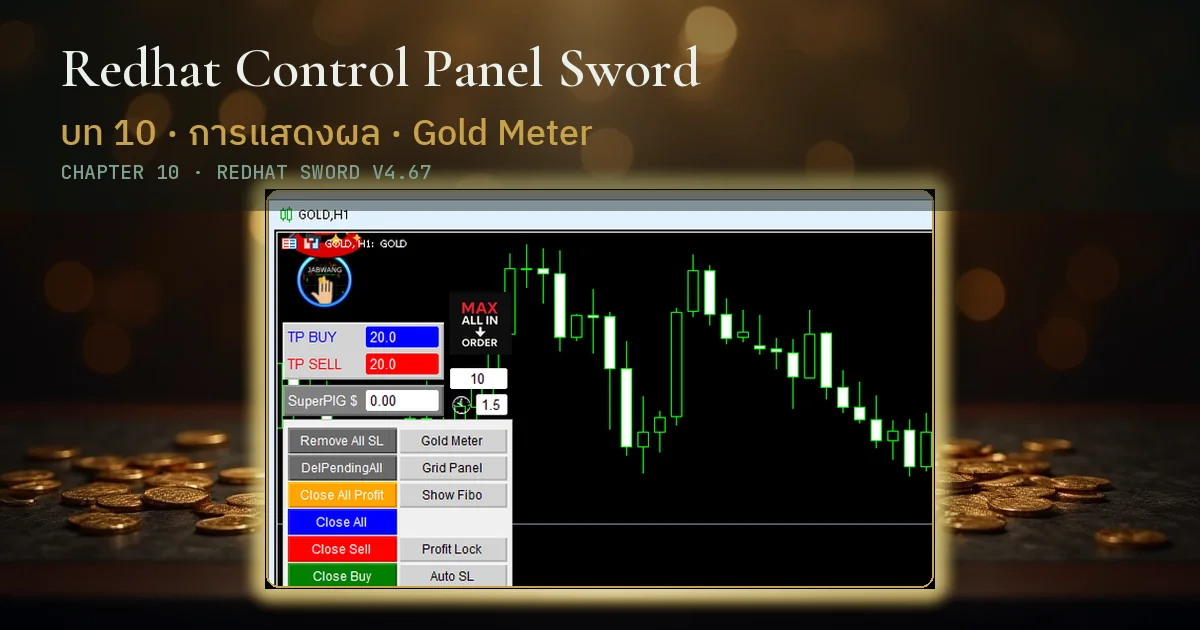
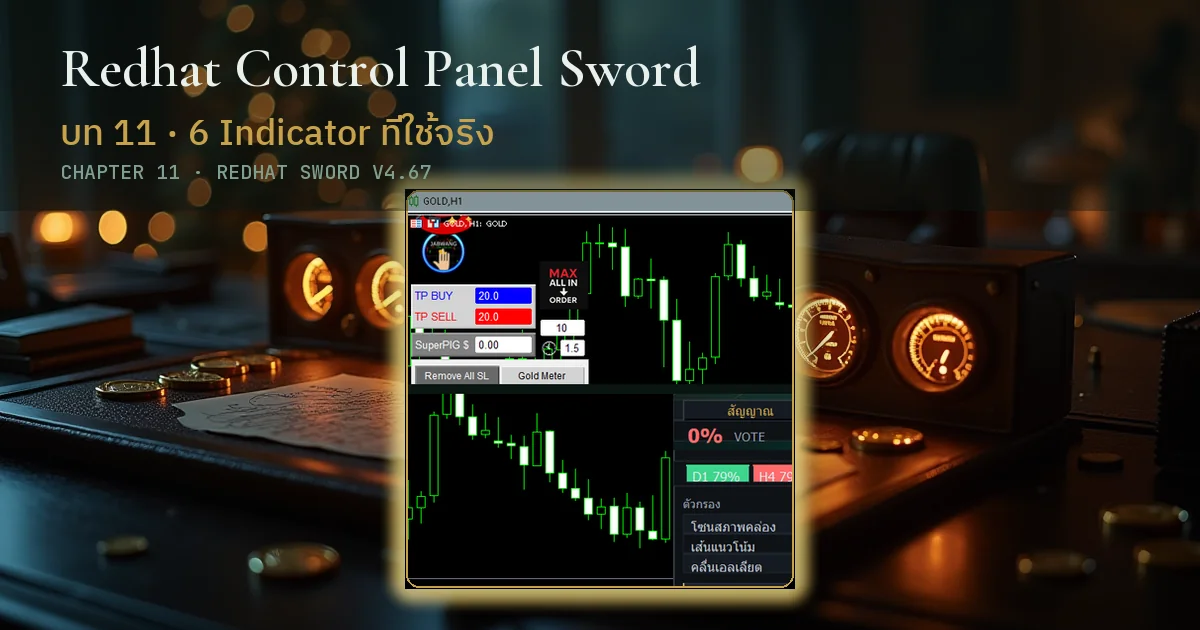
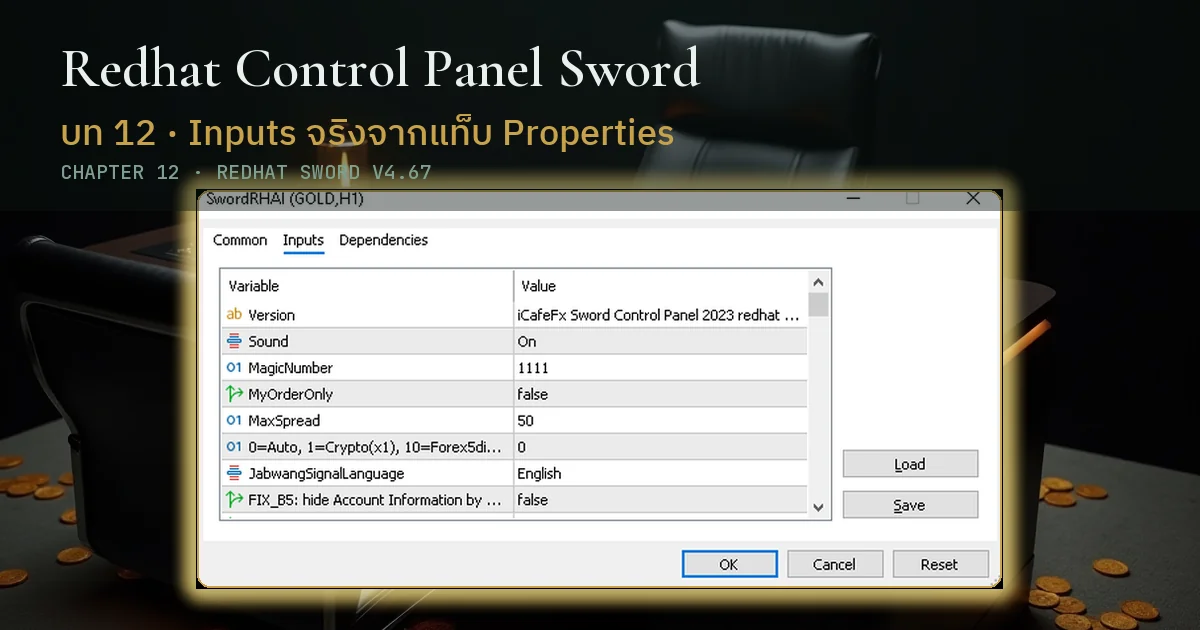
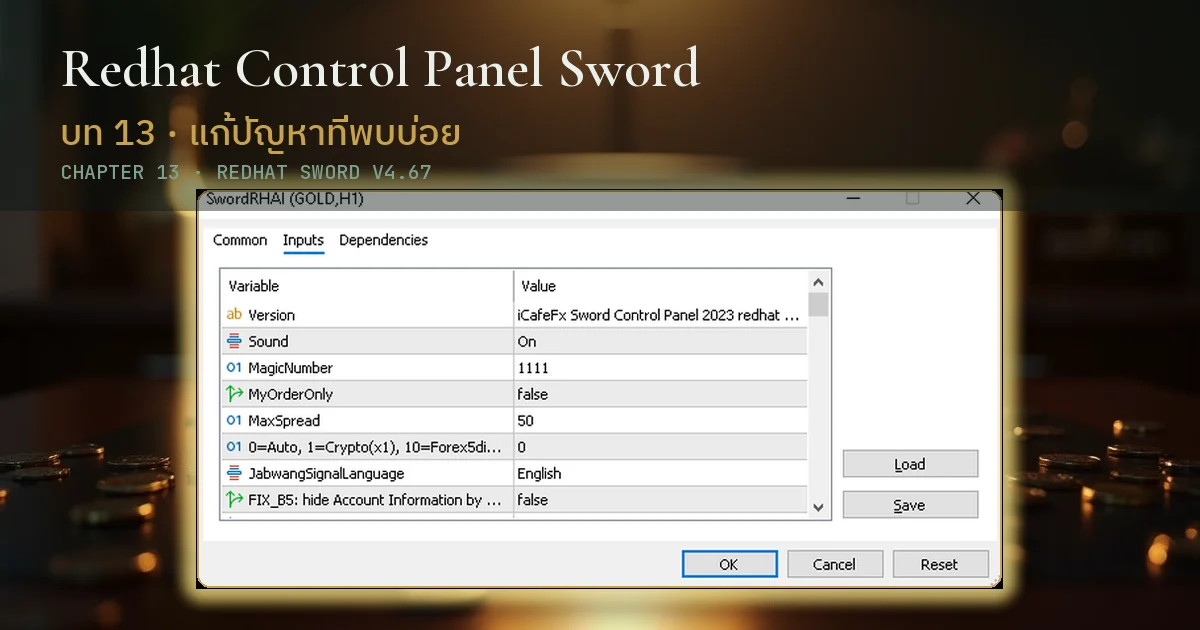
Tap a card to read the full chapter · 📖 see the whole manual
// FAQ
Frequently asked questions
Is Redhat Sword really free?
Really free · download at siamcafe.net/download · no fees · no sign-up · no license key
Which brokers does it work with?
Any broker that offers MT5 and XAUUSD gold · e.g. XM Global, Exness, IC Markets · we recommend XM Global (iCafeFX is a 13-year Legend Partner)
Is it safe · does it trade for me?
No · Sword is Semi-Auto · you press every entry yourself · Sword handles the extras like setting SL and locking profit · it is not a Martingale that adds positions after losses
Where do I download it? (before use: Allow DLL imports and the online permission check are required - steps in chapter 2)
siamcafe.net/download - free, no sign-up
Is there a manual?
A complete one - a 14-chapter online manual written step by step, plus 2 tutorial videos
How should a beginner start?
Install using chapter 2 · 6 steps, 5 minutes · practise on a Demo for a week · starting from the 4 main buttons in chapter 3 you are already trading
// DEVELOPER
Mr. Bom · Kittithat Charoenphanasit
Founder of SiamCafe.net (1997) · XM Global Legend Partner for 13 years · Thaiware Award 2005
"Integrity above everything"